
10/10Aug 4, 2026
helped me install reshade and understand how to install presets and crosshairs WW
SS•••• · From Discord
ReShade Studio
ReShade Studio
ToxicaLeakz ReShade Studio is a FiveM ReShade editor with a live preview on real FiveM shots. Start from 284 presets, let it make you a new look, fine-tune every slider with plain-English help, then install it in FiveM in one click.
Windows 10 / 11 · automatic in-app updates
No more editing numbers in a text file and reloading the game fifty times. Move a slider and watch your FiveM shot change.
Real FiveM day and night shots built in, or drop in your own screenshot. One click loads your latest FiveM screenshot.
Classic and community looks with preview pictures, Bright / Dark / Warm / Cool / Vivid tags, search and favourites.
Mixes the best presets into a fresh ReShade that suits your picture. Press again for another, or make a variation of yours.
13 effects with a plain-English line each and an info dot on every slider. Beginner friendly, pro ready.
Ctrl+Z any change, split Before / After, or save version A and compare it with what you have now.
Puts the preset next to ReShade, makes ReShade load it and backs up your ReShade.ini first.
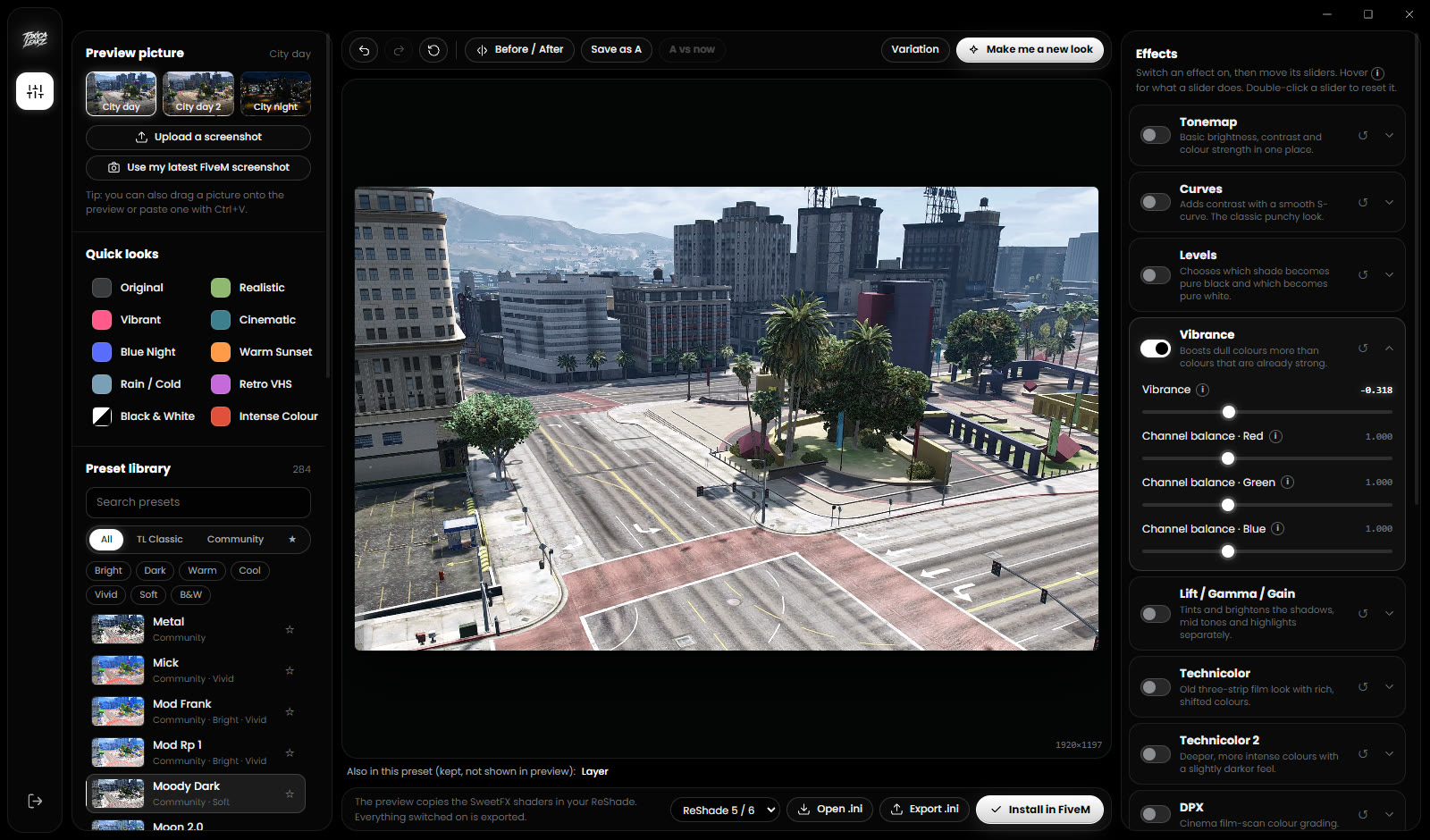
The preview runs the same maths as the SweetFX shaders in your ReShade: Tonemap, Curves, Levels, Vibrance, Lift / Gamma / Gain, Technicolor, DPX, CAS, LumaSharpen, chromatic aberration, vignette and film grain.
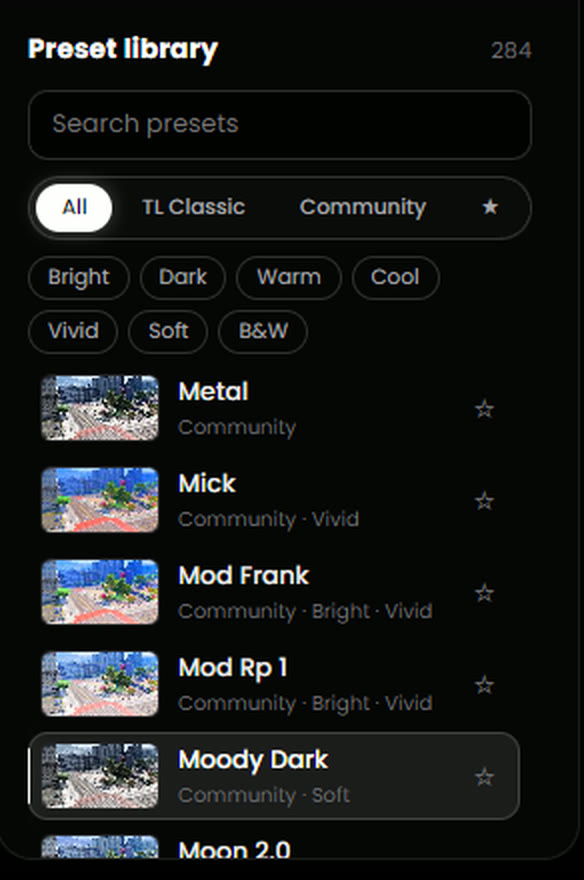
Every preset shows a small preview on your own picture, so you can find the look you want in seconds. Filter by Bright, Dark, Warm, Cool, Vivid, Soft or B&W, and star your favourites.
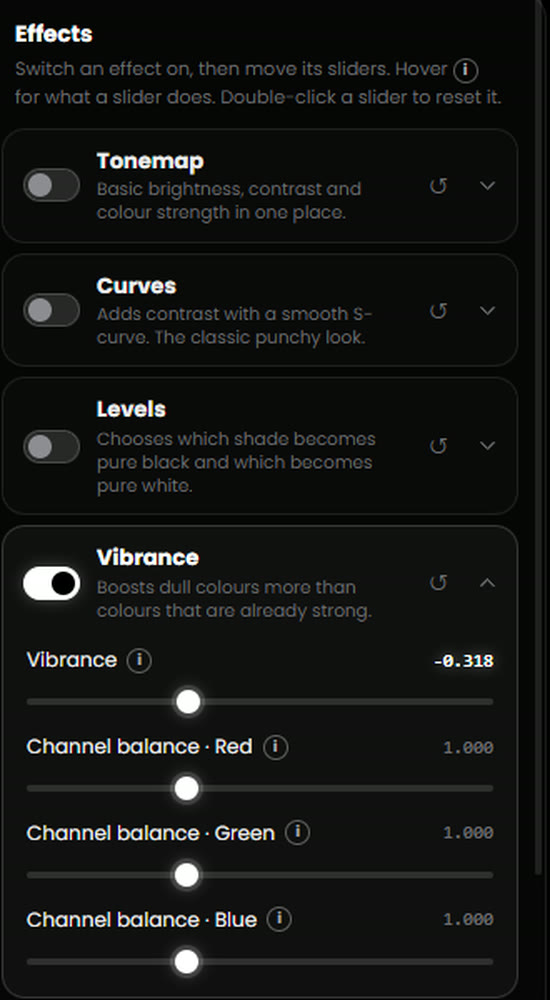
Effects the preview can't show, like Layer crosshairs and overlays, adaptive fog or extra sharpeners, are kept exactly as they were when you save or install. Nothing quietly disappears from your preset.
10/10 · 1 rated reviews in our Discord · See all reviews
helped me install reshade and understand how to install presets and crosshairs WW
Helped me how to download reshade presets.
To use your look in game, yes: ReShade must be installed in FiveM's plugins folder. You can make and preview looks without it, and the app tells you clearly if ReShade isn't installed yet.
The preview runs the same maths as the SweetFX shaders in your ReShade (Tonemap, Curves, Levels, Vibrance, Lift Gamma Gain, Technicolor, DPX, CAS, LumaSharpen and more), so what you see is what you get.
Yes. Open any ReShade .ini or pick one from your FiveM folder. Effects the preview can't show, like Layer overlays, are kept exactly as they were when you save.
Press Install in FiveM. The app saves the preset next to ReShade, makes ReShade load it and backs up your ReShade.ini first. Then press Reload in the ReShade menu.
No. It's $25 one time, with a lifetime key and every update.
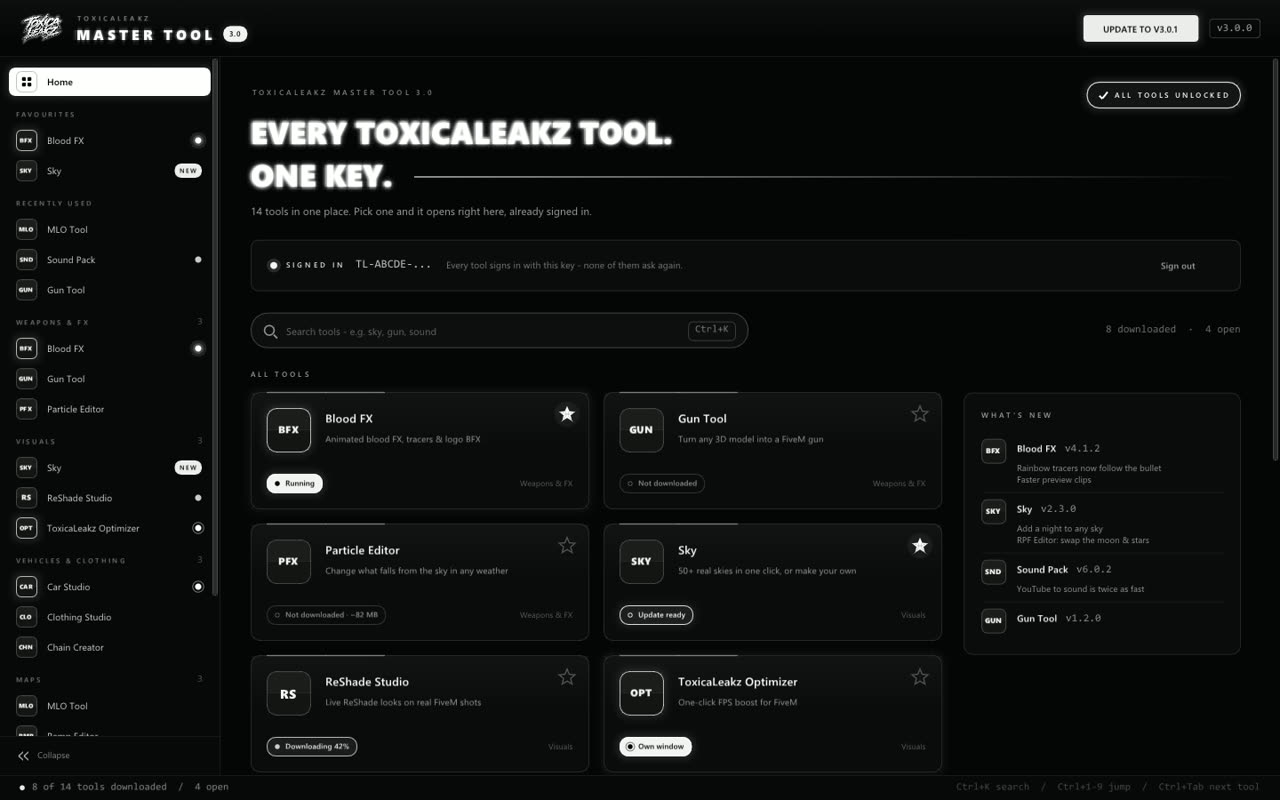
The Master Tool puts all 15 ToxicaLeakz tools in one app. Every tool signs in with the same key and updates itself.
Learn how it works with our free step-by-step guides.
