Install ReShade for FiveM
- Download ReShade from its official site and run the installer.
- When it asks for the game, point it to FiveM:
FiveM.app\plugins\. Create thepluginsfolder if needed. - Pick DirectX 10/11/12 and install the effect shaders you want (the standard and SweetFX ones cover most presets).
- Start FiveM and press Home to open the ReShade menu.
ReShade is installed when plugins has a ReShade.ini and a DLL like dxgi.dll.
Load a preset
- Copy the preset's .ini into
FiveM.app\plugins\. - In game, open ReShade (Home) and pick the preset from the list at the top. Or set it by hand: open
ReShade.ini, and under[GENERAL]setPresetPath=.\YourPreset.ini. - Press Reload in the ReShade menu.
Preset not working?
- Missing effects. If parts of the preset do nothing, the preset uses shaders you didn't install. Re-run the ReShade installer and add them.
- Wrong folder. ReShade for FiveM goes in
plugins, not in the GTA V folder. - Low FPS. Depth of field and ambient occlusion are the heaviest effects. Turn them down first.
Make your own look
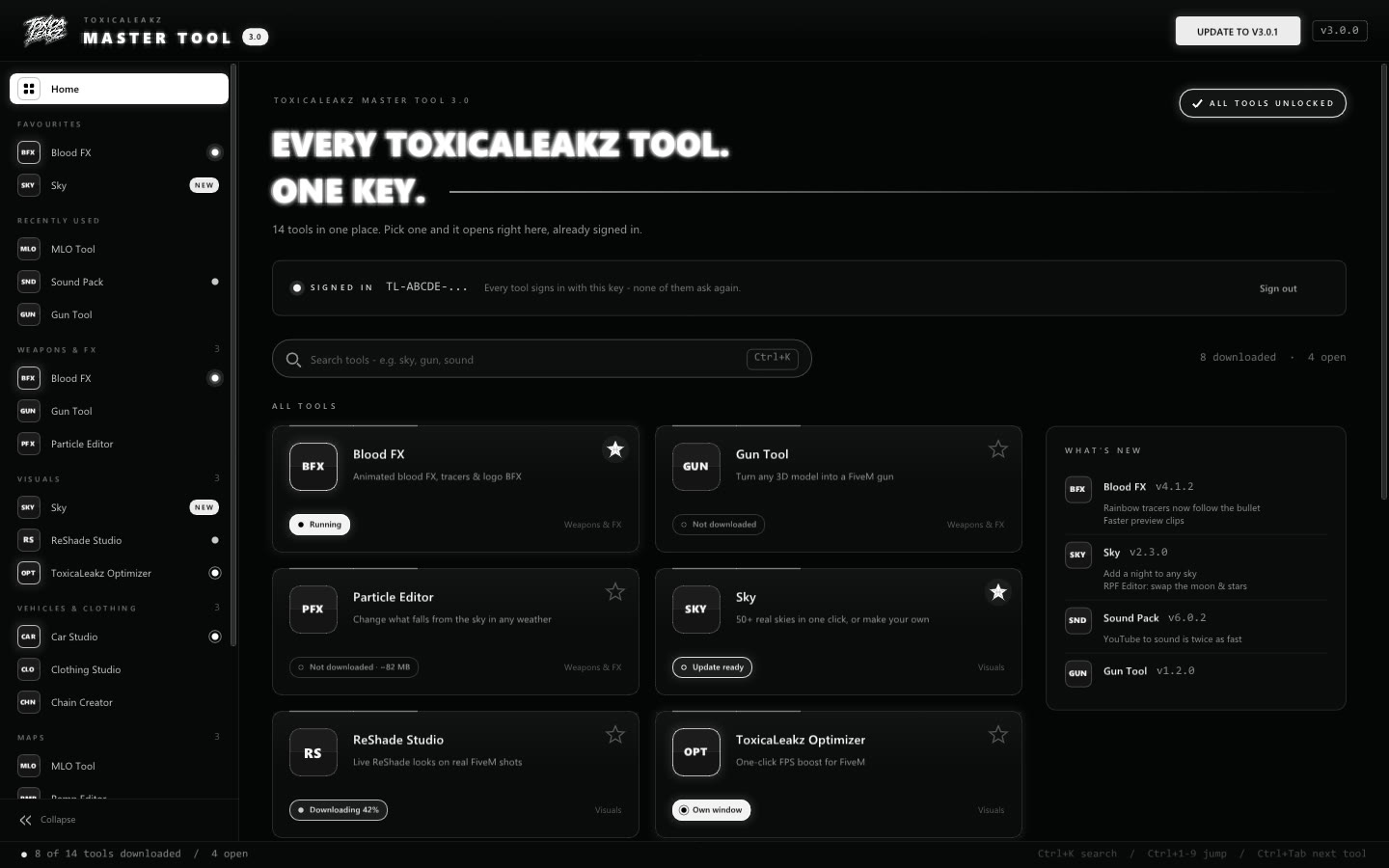
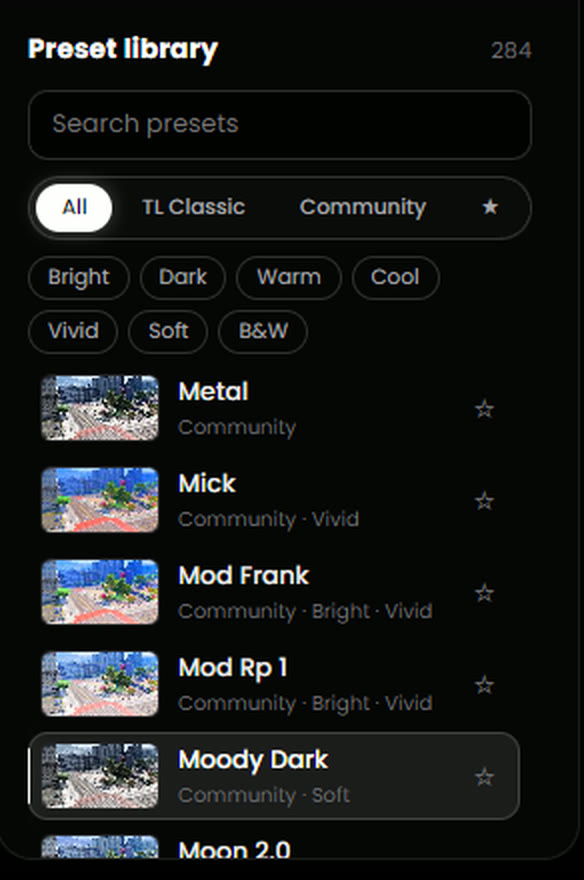
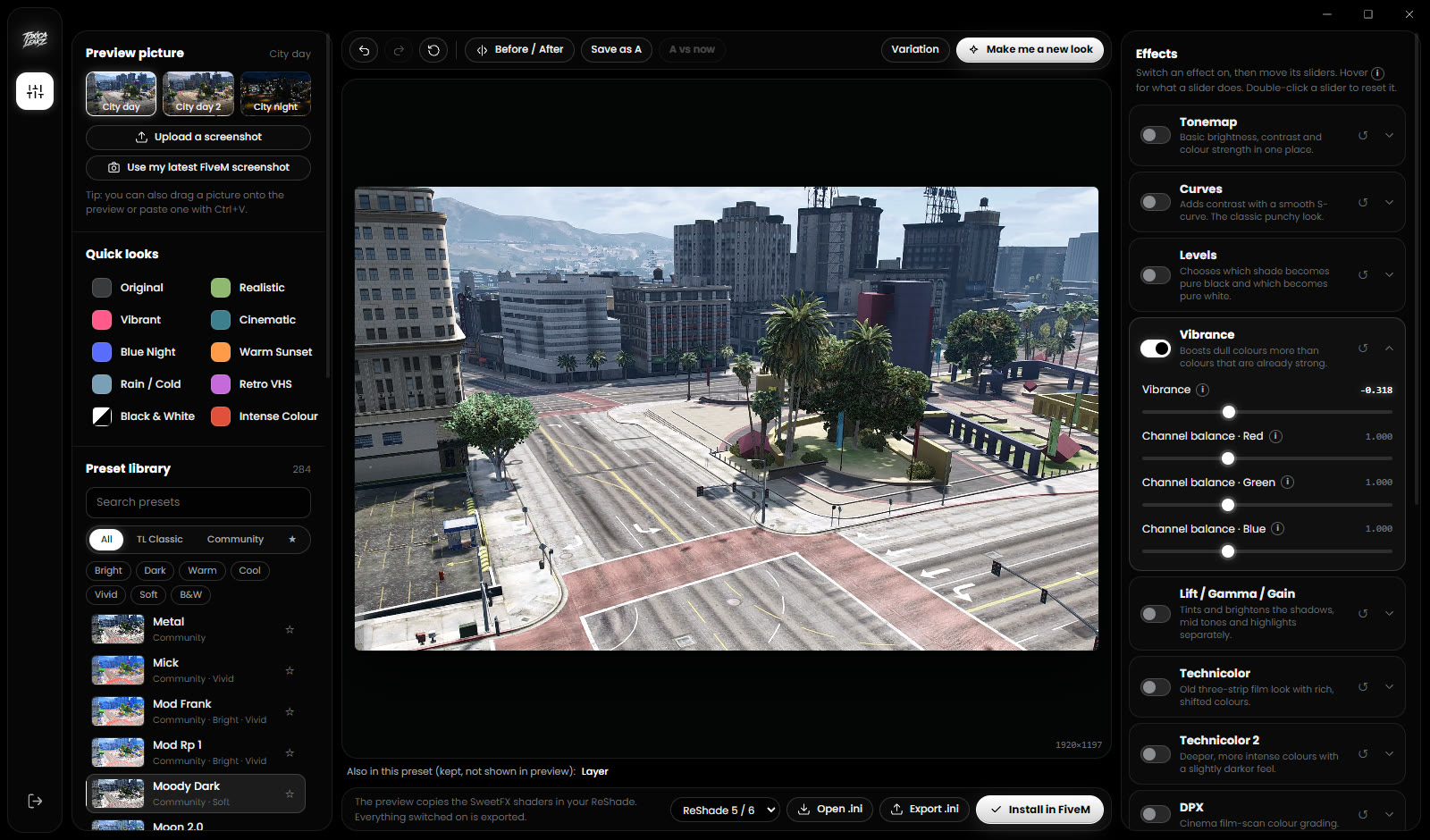
ReShade Studio lets you build a ReShade look with a live preview on real FiveM screenshots (or your own), with 284 ready-made presets, before/after compare and a "Make me a new look" button. Install in FiveM saves the preset into plugins, sets it as active and backs up your old ReShade.ini. ReShade itself has to be installed first (steps above).
FAQ
Where does ReShade go for FiveM?
In FiveM.app\plugins\, not in the GTA V folder.
How do I change ReShade presets in FiveM?
Put the .ini in the plugins folder, then pick it in the ReShade menu (Home key) or set PresetPath in ReShade.ini, and press Reload.
Does ReShade Studio install ReShade?
No. Install ReShade once yourself. ReShade Studio then makes, previews and installs presets.
Why does my preset look different?
Usually a missing shader. Re-run the ReShade installer and tick the effect packs the preset uses.