Find FiveM.app
Right-click your FiveM shortcut → Open file location, or paste %LOCALAPPDATA%\FiveM\FiveM.app into File Explorer. Everything below is inside this folder.
citizen\common\data: loose game data
FiveM loads the files in citizen\common\data over GTA's own. This is where the loose files of a mod go:
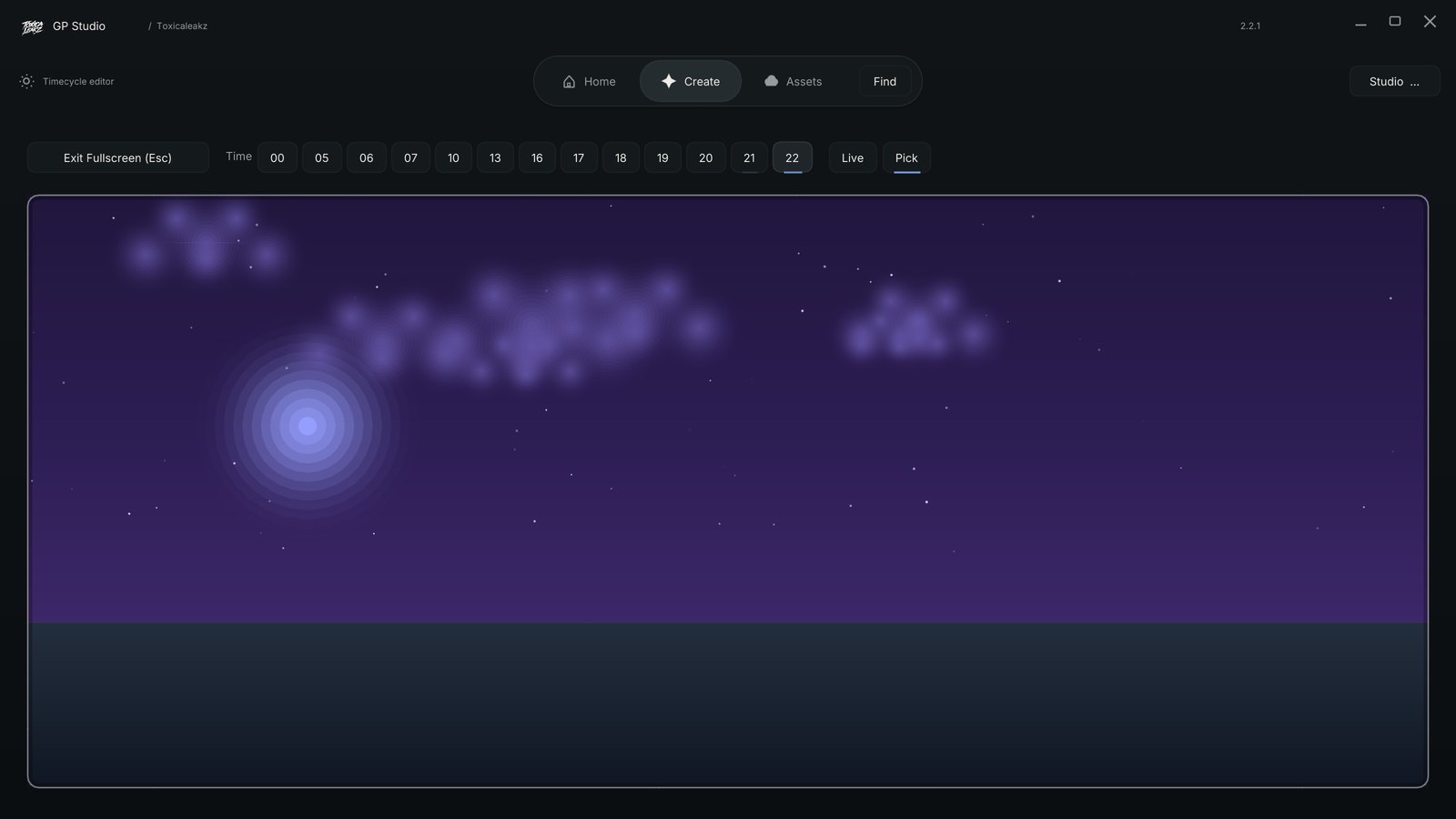
timecycle\: sky colours, light and fog, and the kill effect (timecycle_mods_4.xml)levels\gta5\:weather.xmlandtime.xmleffects\bloodfx.dat: which blood effect plays on a hitvisualsettings.dat,clouds.xml,cloudkeyframes.xml
mods: .rpf files
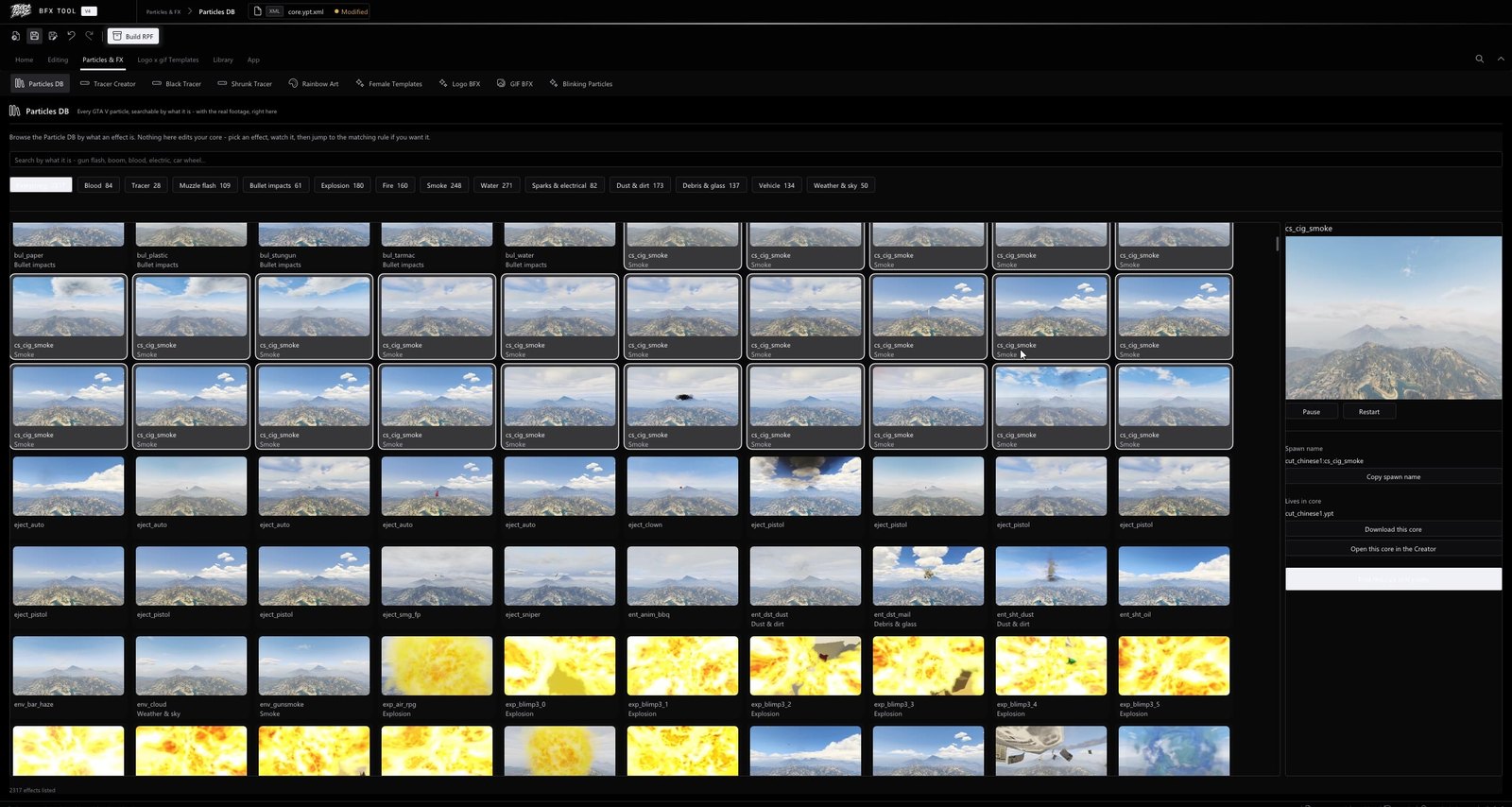
FiveM.app\mods\ holds .rpf archives that override game files: BFX packs, sky clouds and stars, particles and sound overrides. Create the folder if it doesn't exist.
plugins: ReShade
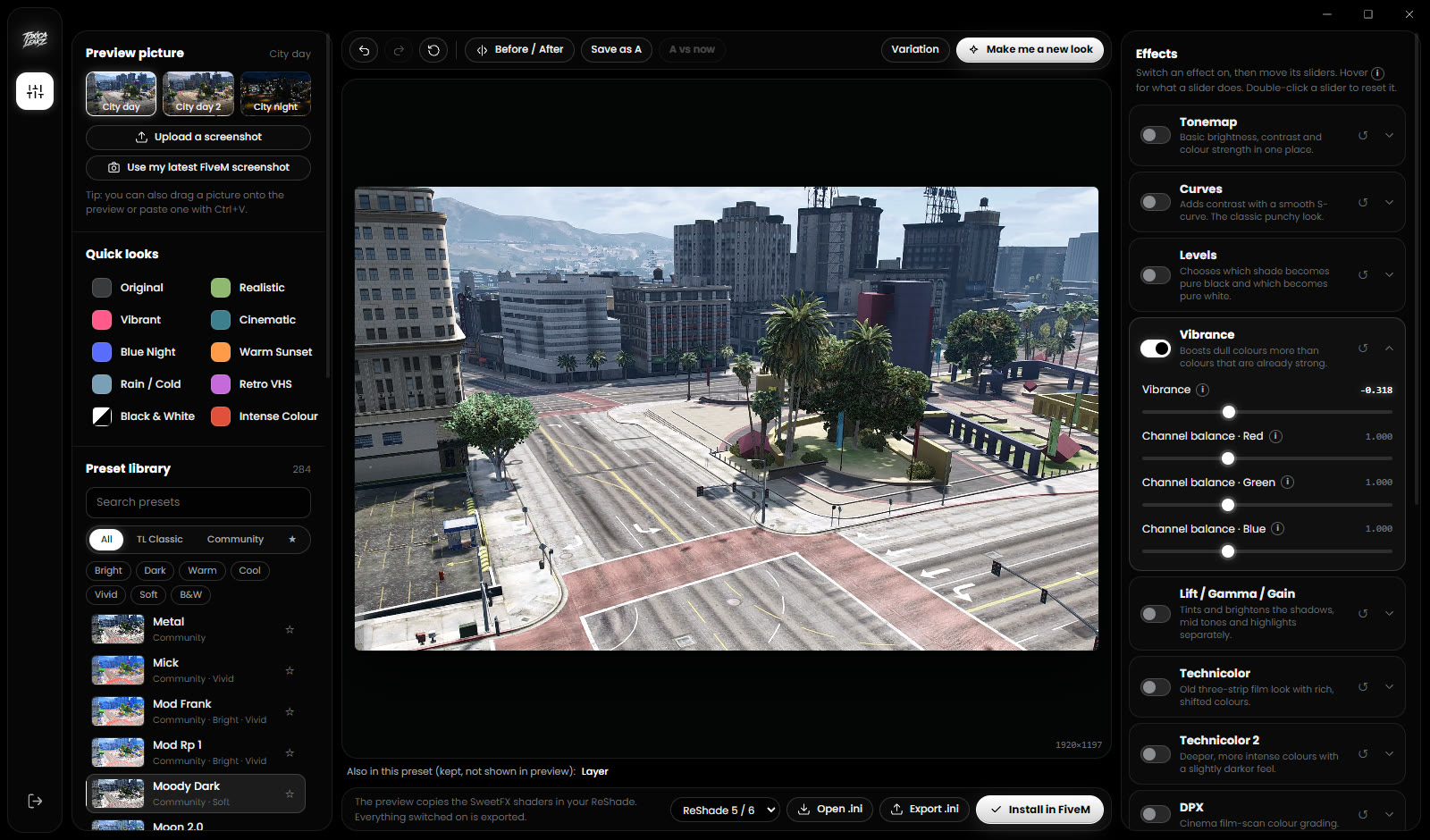
FiveM.app\plugins\ is where ReShade goes (ReShade.ini, dxgi.dll and your preset .ini files).
Folders to leave alone
data\cache: FiveM's cache. Safe to clear (keepgameandsubprocess).data\server-cache: files downloaded from servers. Clearing it makes servers download again.
Your graphics settings are not in FiveM.app at all: they are in %APPDATA%\CitizenFX\gta5_settings.xml.
Keep backups
Before installing anything, copy the files you are replacing to a backup folder. Most "my game looks broken" problems are fixed by putting one file back.
Client files only change what you see and hear. Some servers limit custom client files, so check your server's rules.
One app for all of it
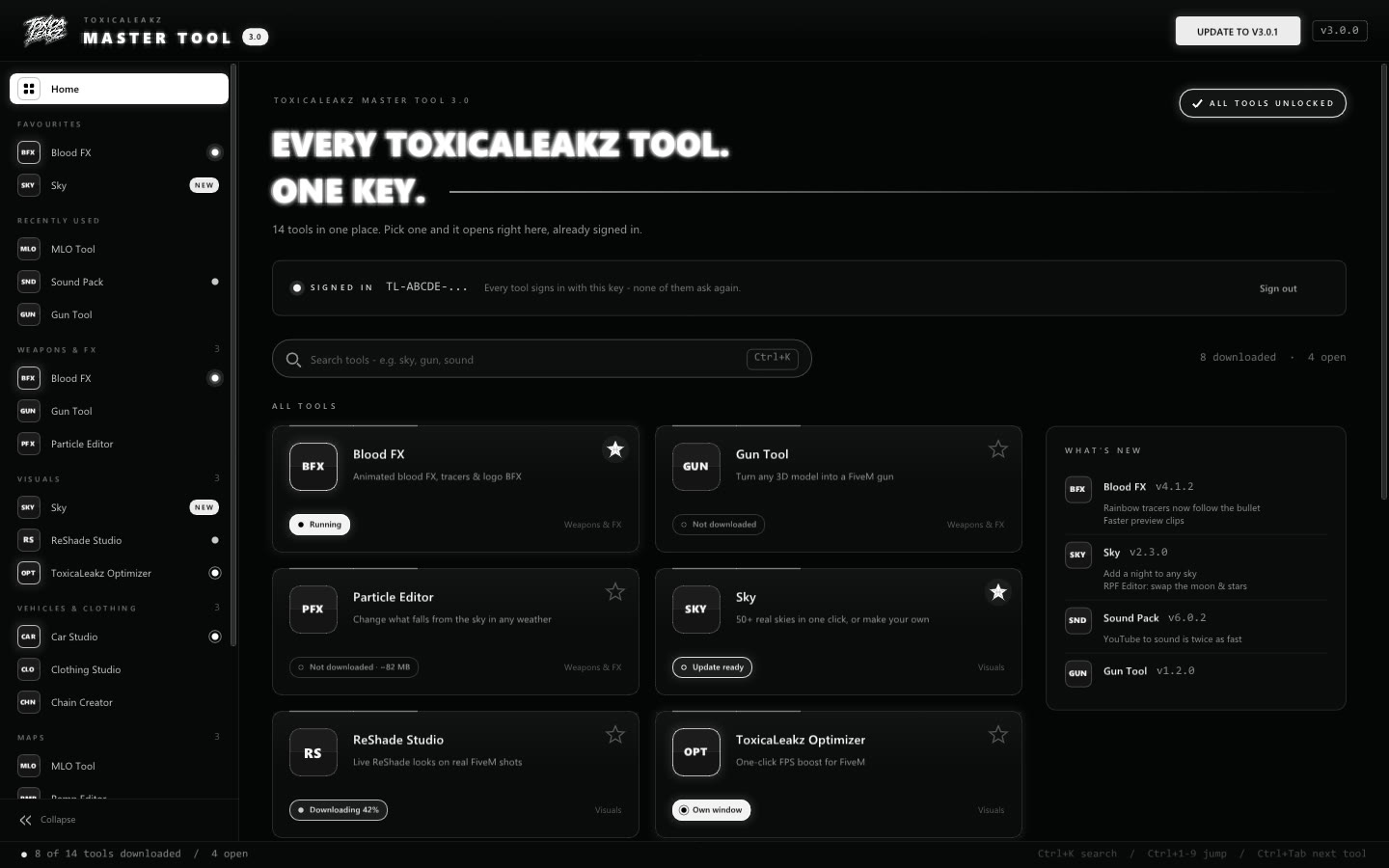
The Master Tool has 15 ToxicaLeakz tools in one app with one key: Blood FX, Sky, ReShade Studio, KillFX Maker, the Sound Pack Tool, the Optimizer and more. Each tool knows which folder its files belong in and backs up what it replaces, and every tool updates itself.
FAQ
Where is the FiveM citizen folder?
In %LOCALAPPDATA%\FiveM\FiveM.app\citizen. Loose mod files go in citizen\common\data.
Where do .rpf mods go in FiveM?
In FiveM.app\mods. Create the folder if it does not exist.
Where does ReShade go in FiveM?
In FiveM.app\plugins.
Is it safe to delete the FiveM cache?
Yes. Clear data\cache but keep the game and subprocess folders. Never delete citizen, mods or plugins.