What files make a sky
A FiveM sky (often sold as a "graphics pack" or "GP") is a set of files in FiveM.app\citizen\common\data\:
timecycle\*.xml: colours, light and fog for every hour and weather (includingtimecycle_mods_1.xmltotimecycle_mods_4.xml)levels\gta5\weather.xml: the weather typeslevels\gta5\time.xml: the time of day, and where the moon sitsclouds.xml,cloudkeyframes.xmlandvisualsettings.dat: clouds and general visuals
Some skies also come with an .rpf (custom cloud or star textures) that goes in FiveM.app\mods\.
Install a sky by hand
- Close FiveM and open
%LOCALAPPDATA%\FiveM\FiveM.app. - Back up your whole
citizen\common\datafolder to your desktop. This is your way back. - Copy the pack's files into
citizen\common\datawith the same folders, replacing what's there. - Remove leftovers from an older sky (see below).
- Put the .rpf (if the pack has one) in
FiveM.app\mods\. - Start FiveM.
Install the pack exactly as made. Don't add or edit files to "fix" it. Packs look right when every file comes from the same pack.
Dark, green or white-square sky? Here is why
Dark or green screen
Not every pack includes visualsettings.dat, cloudkeyframes.xml or timecycle_mods_*.xml. A pack without them was made with the game's own versions. If a file from your old sky is still there, it clashes with the new timecycle and you get a dark or green picture. Fix: put the game's original file back (from your backup) or delete the leftover.
Giant white square in the sky
A white, straight-edged area is the moon or sun drawn wrong. time.xml is part of the sky because it places the moon. If the pack has one, use it. If you switched skies, don't keep the old one.
Whole citizen folder in the download
Many "packs" are someone's entire citizen folder. Only the sky files listed above matter. Copying everything can overwrite other mods, like your BFX.
The easy way: Sky Tool
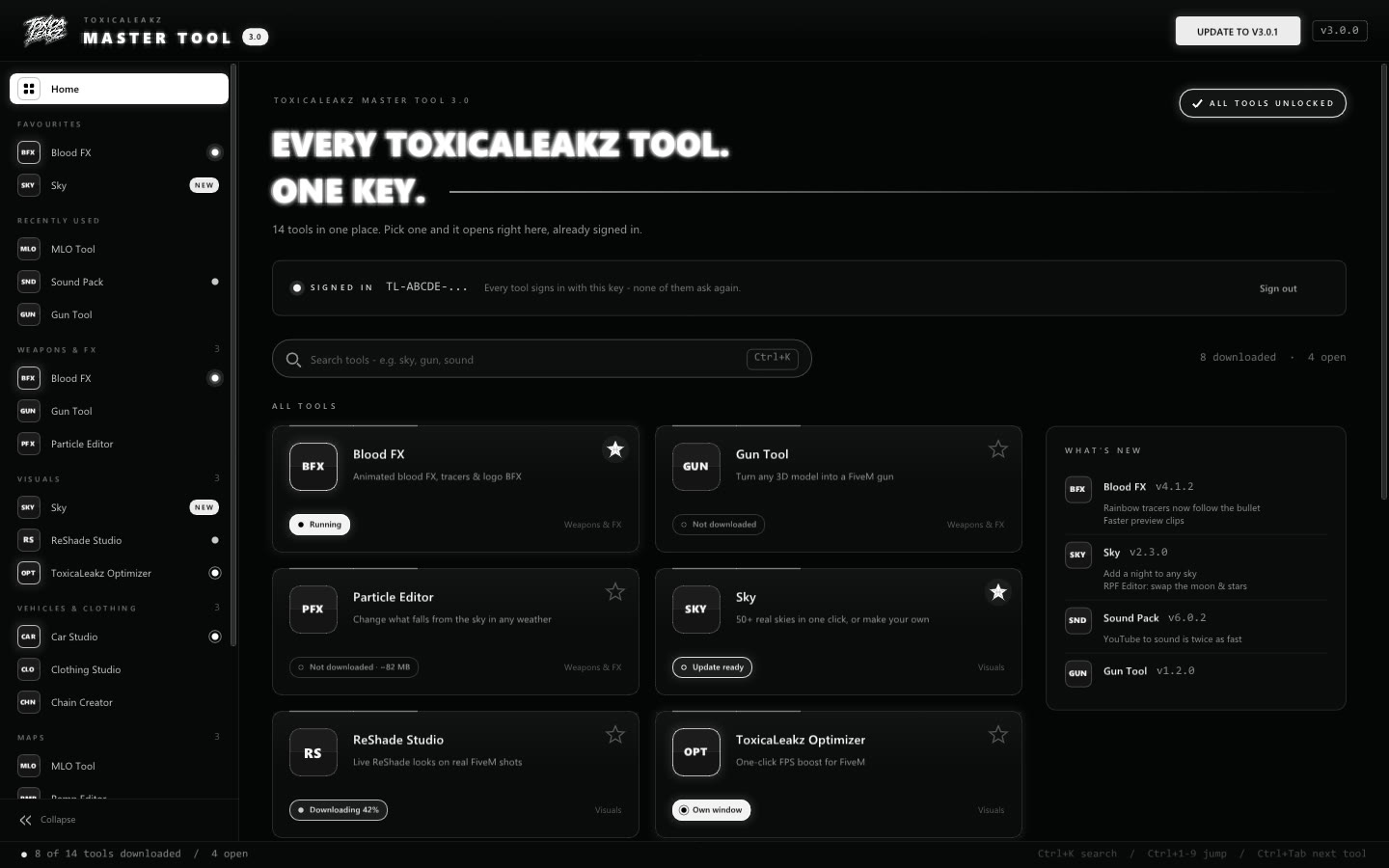
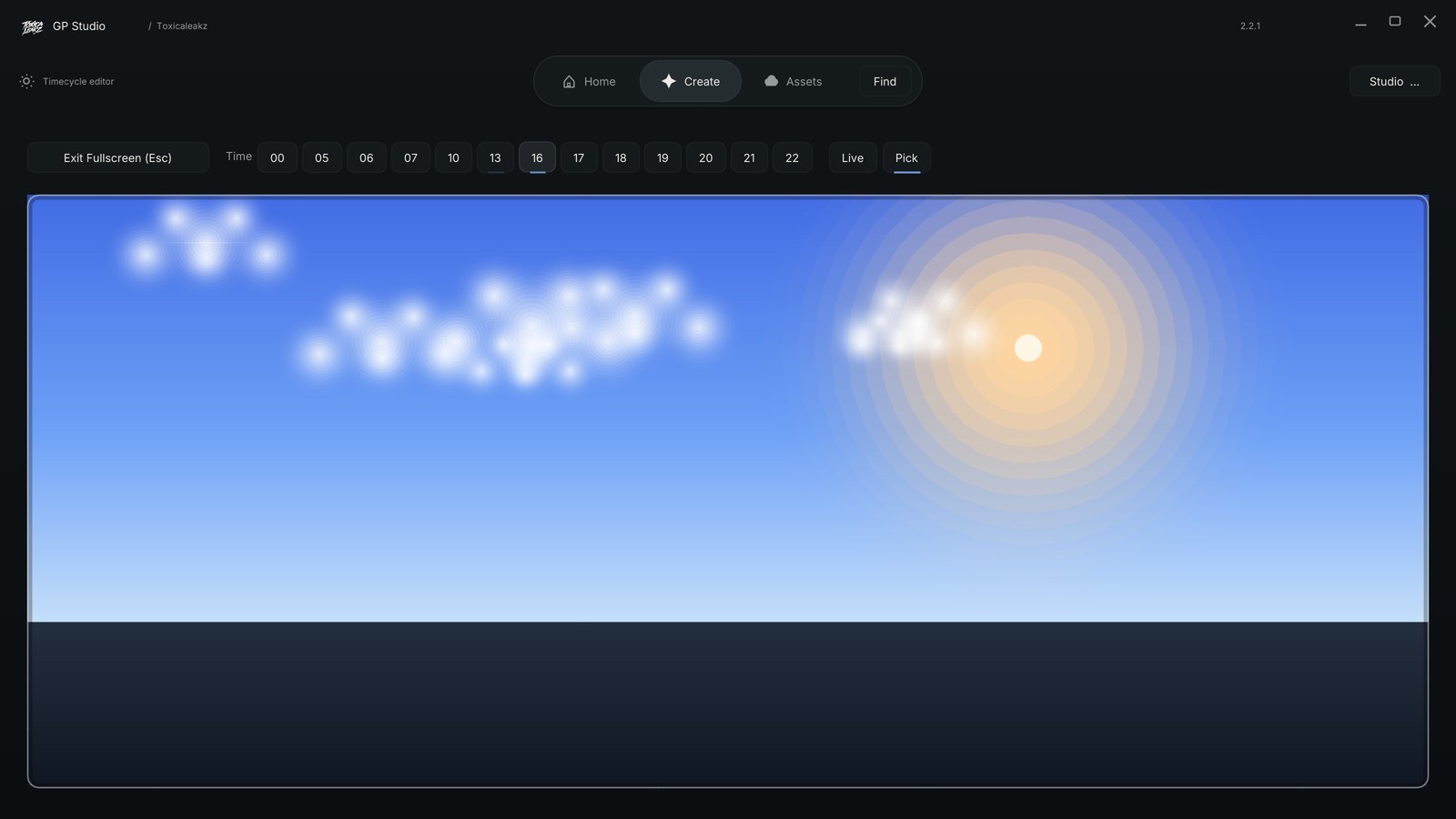
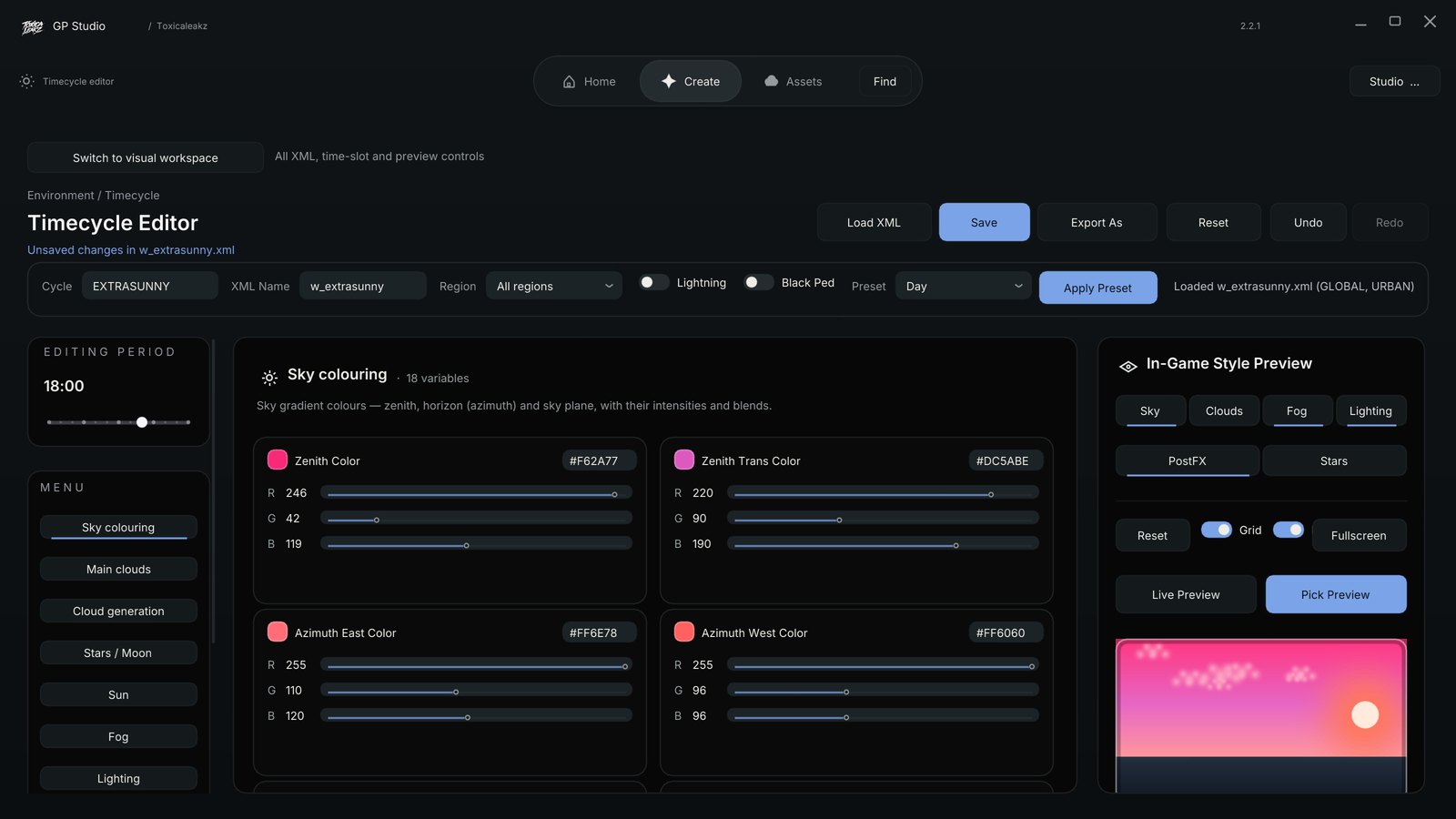
The Sky Tool installs skies in one click from a library of real skies. Before it replaces a file it keeps your original. When you switch skies it removes the old sky's extra files (backed up), so leftovers never clash. Put my original sky back restores everything. You can also make your own sky in the timecycle editor, with every hour and region and presets like Sunset, Galaxy, Aurora and Bloodmoon.
FAQ
Where do FiveM sky files go?
In FiveM.app\citizen\common\data\ (timecycle, levels\gta5, clouds files). A sky .rpf goes in FiveM.app\mods\.
Why is my FiveM sky dark or green?
Usually a leftover file from an older sky (often visualsettings.dat or a timecycle_mods file) clashing with the new one. Put the original back or remove the leftover.
Why is there a white square in my sky?
The moon or sun is drawn wrong. Use the time.xml that comes with the pack, and do not keep an old one when you switch skies.
How do I get my normal sky back?
Restore your backed-up citizen\common\data folder. The Sky Tool has a Put my original sky back button.