What is in a BFX pack
Almost every FiveM blood FX pack has two parts:
- an .rpf file with the effects themselves (the particles you see on a hit)
- a bloodfx.dat file that tells the game which effect to play for which hit
Some packs only have the .rpf. That is fine: you just skip the bloodfx.dat step.
Find your FiveM folder
- Right-click your FiveM shortcut and choose Open file location.
- Open the
FiveM.appfolder. This is where every client mod goes.
The usual path is %LOCALAPPDATA%\FiveM\FiveM.app. Paste that into the File Explorer address bar to jump straight there.
Install the BFX by hand
- Close FiveM completely. Files that are in use won't copy.
- Back up your old BFX. Copy anything you are about to replace into a folder on your desktop, so you can go back.
- Put the .rpf in the mods folder:
FiveM.app\mods\. Make themodsfolder if it doesn't exist. - Put bloodfx.dat in:
FiveM.app\citizen\common\data\effects\and replace the old one. - Start FiveM and join a server to see it.
BFX not showing? Check these
- Two packs at once. If an older BFX .rpf with a different name is still in
mods, the two can clash. Keep one BFX inmodsat a time. - A separate tracer mod. Many BFX packs have their own tracer built in. A second tracer .rpf in
modsclashes with it and one of them stops showing. - Wrong folder for bloodfx.dat. It has to be in
citizen\common\data\effects, not inmods. - The server. Some servers limit custom client files. Check your server's rules.
The one-click way
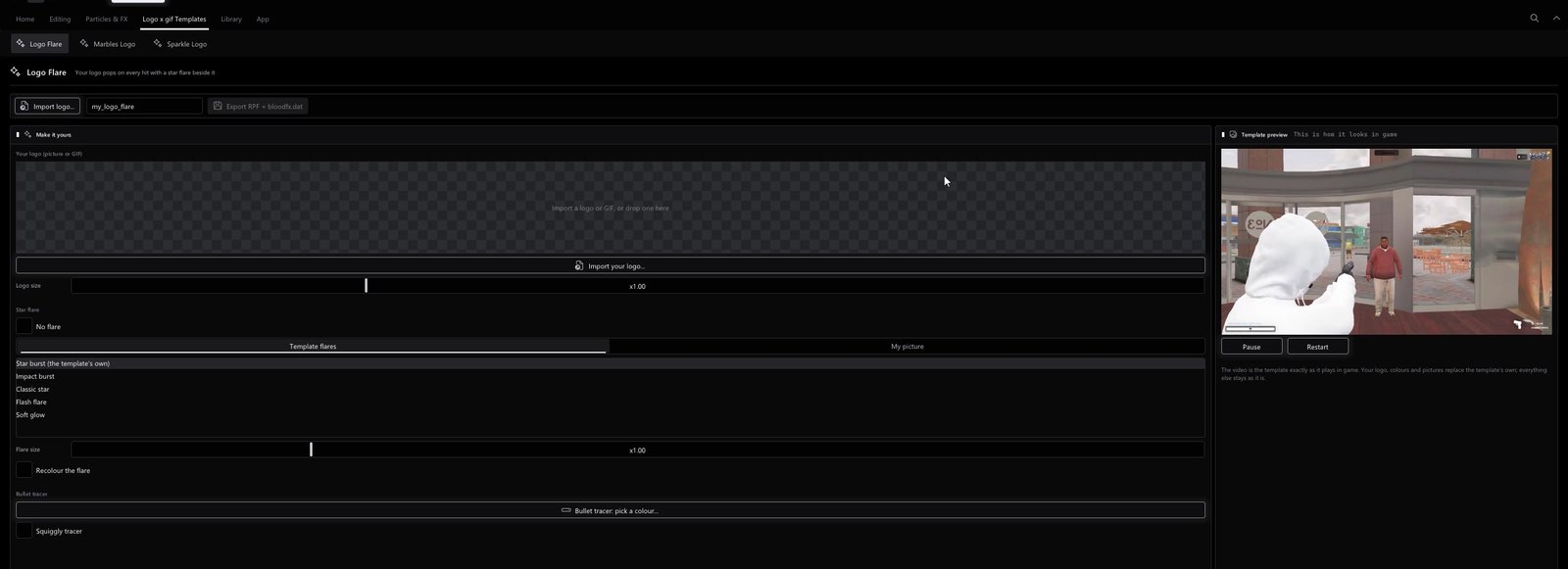
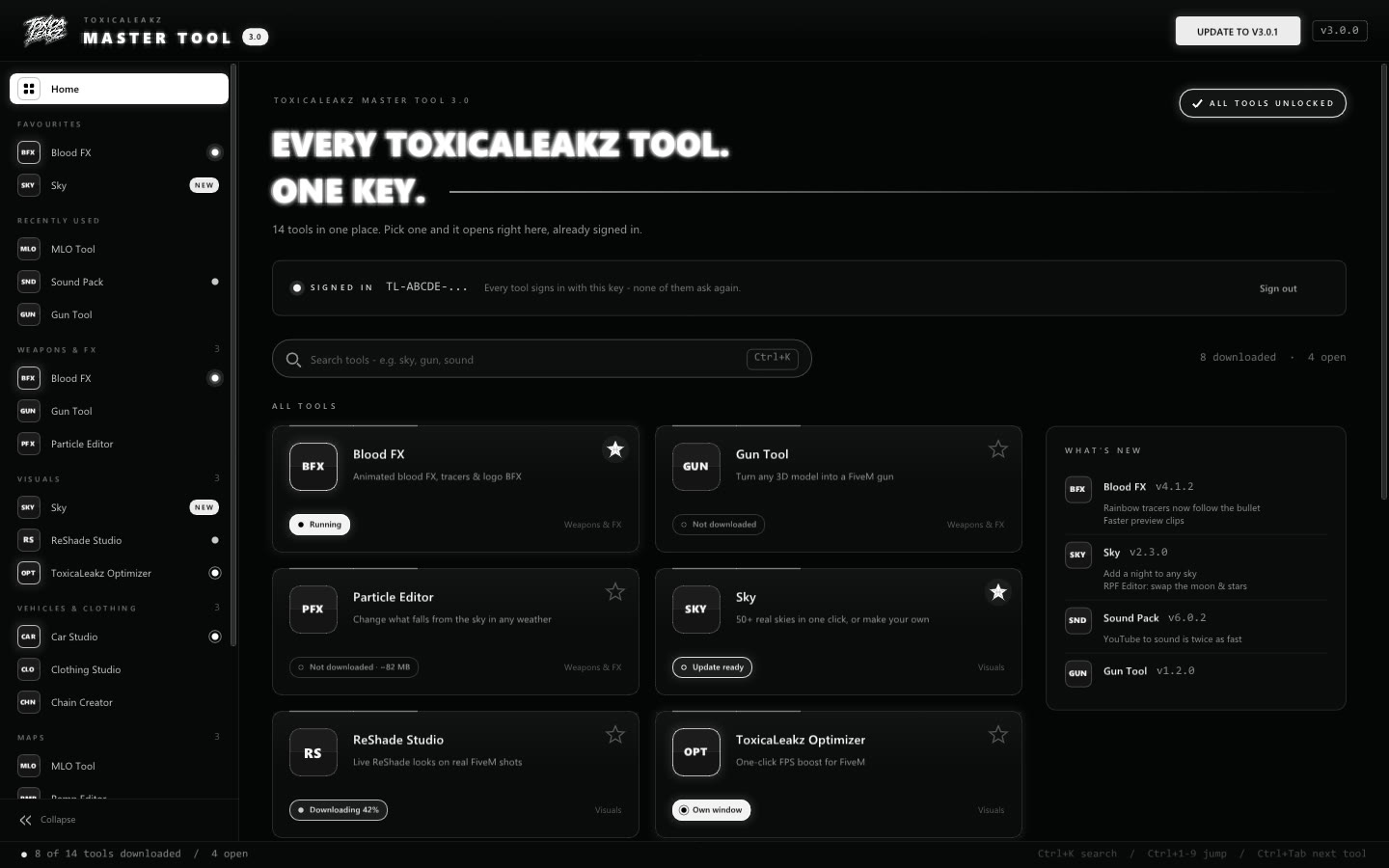
The Blood FX Tool has an Install to FiveM button. It puts both files in the right place, backs up every file it replaces into a dated folder first, moves an older BFX out of the way so two packs never clash, and can undo the last install.
FAQ
Where do I put a BFX .rpf in FiveM?
In FiveM.app\mods\. Create the mods folder if it is not there.
Where does bloodfx.dat go?
In FiveM.app\citizen\common\data\effects\, replacing the file that is there.
Can I use two BFX packs at the same time?
No. Two BFX files in mods clash, and usually only one shows. Keep one at a time.
How do I remove a BFX?
Delete its .rpf from mods and put your backed-up bloodfx.dat back. The Blood FX Tool can undo its last install for you.