How a BFX is built
GTA's effects are made of particles: small sprites with a colour, size, speed and lifetime. A blood FX pack changes those particles and tells the game which ones to play on a hit (that list is the bloodfx.dat file).
That means you can make a new BFX by changing three things:
- Which effect plays on a hit (blood, smoke, sparks, anything)
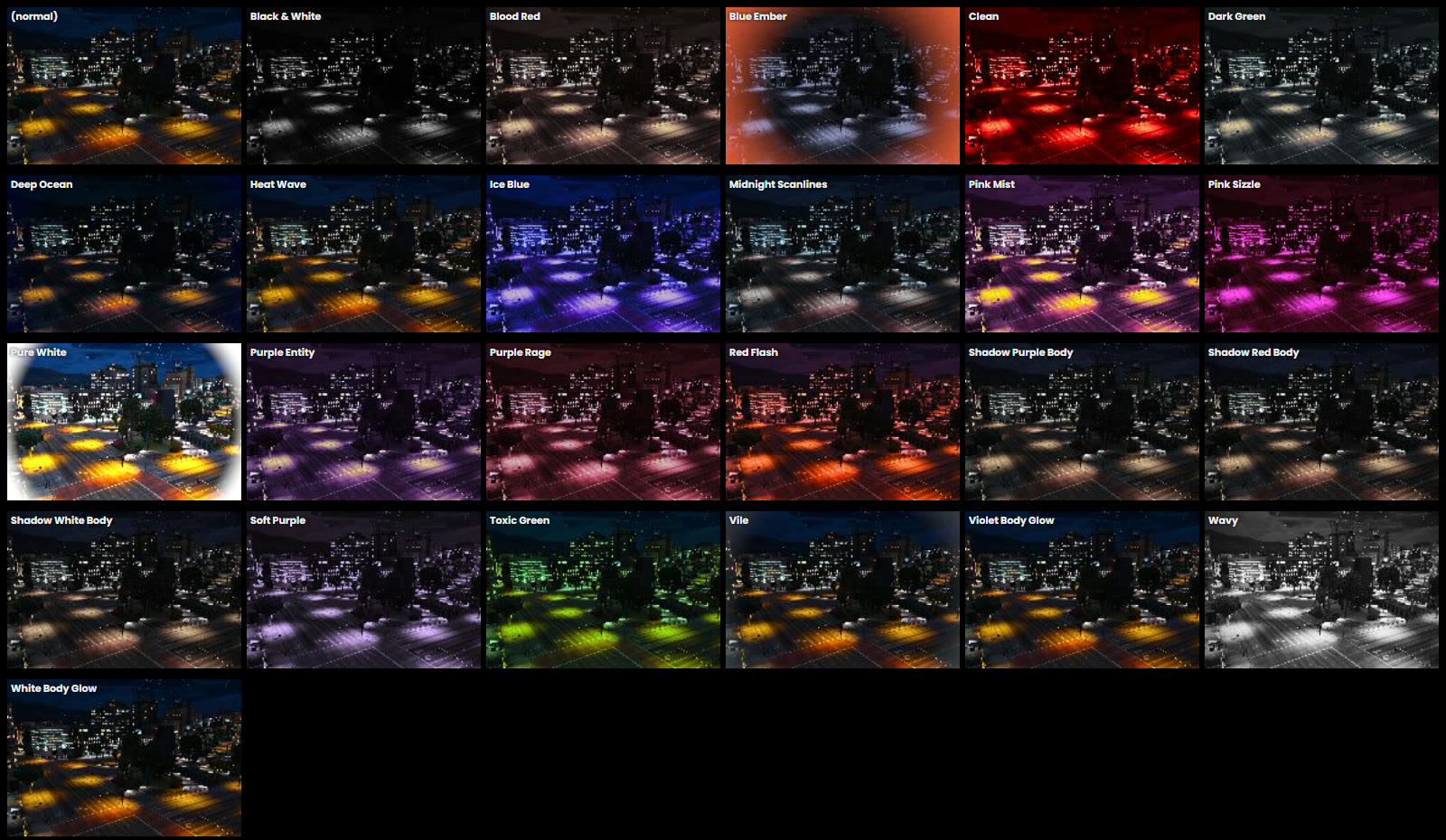
- How it looks: colour, size, speed, glow
- The tracer: the line the bullet leaves
Make one step by step
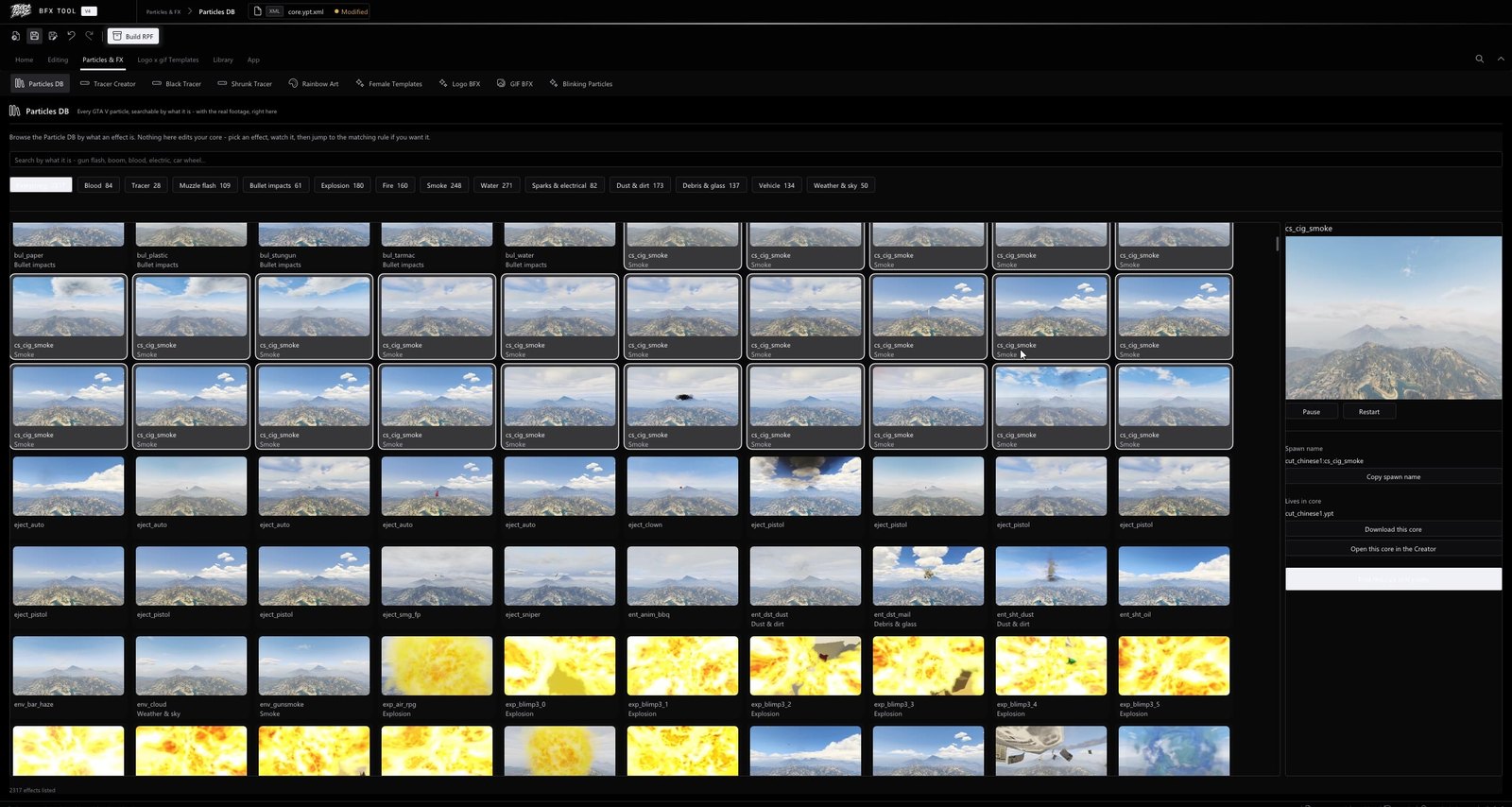
- Pick an effect. Browse effects by type (blood, smoke, impacts, explosions) and watch each one play in game before choosing.
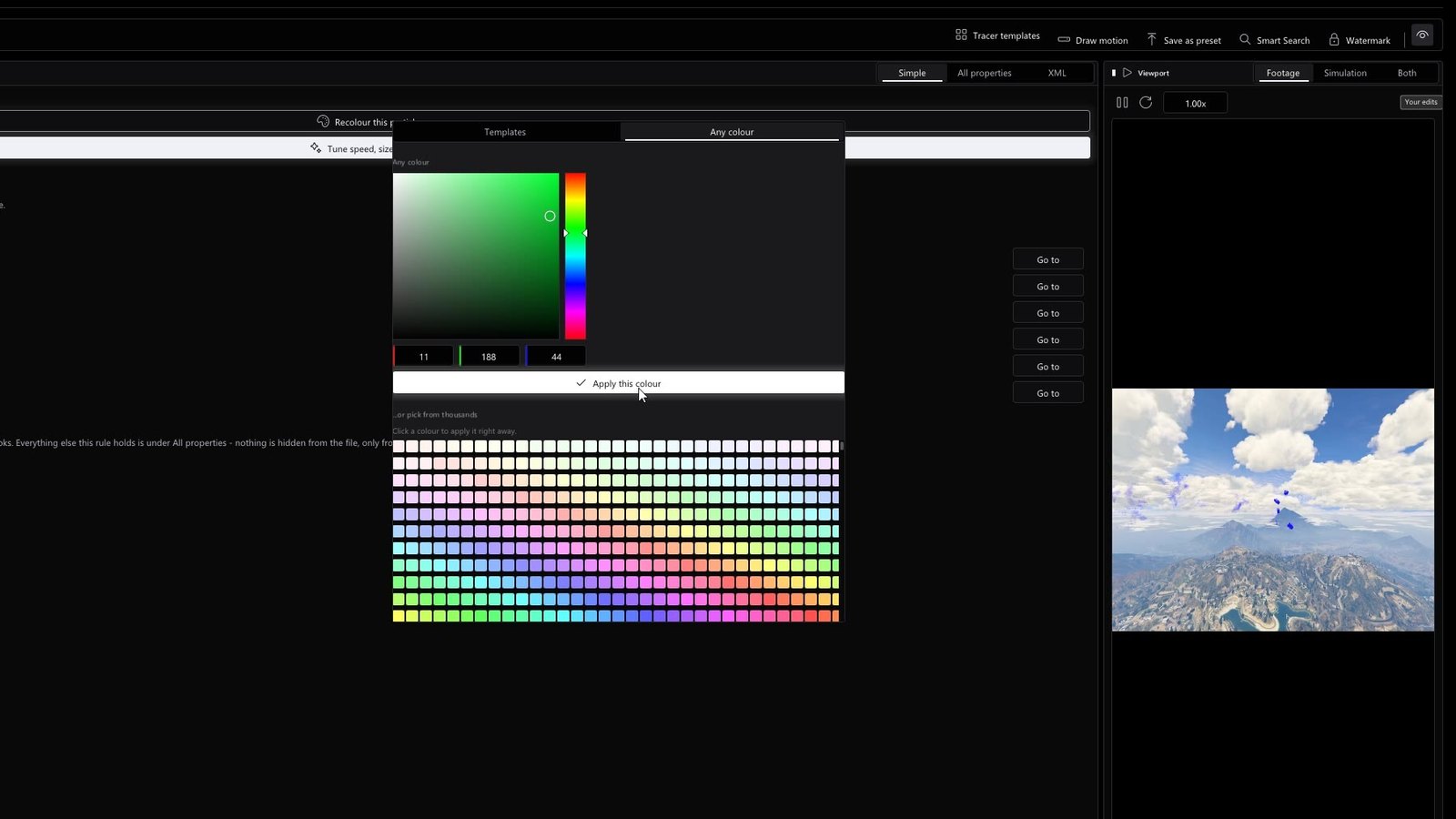
- Change the colour. Turn red blood blue, black, neon, anything. Pick from a colour wheel or type the values.
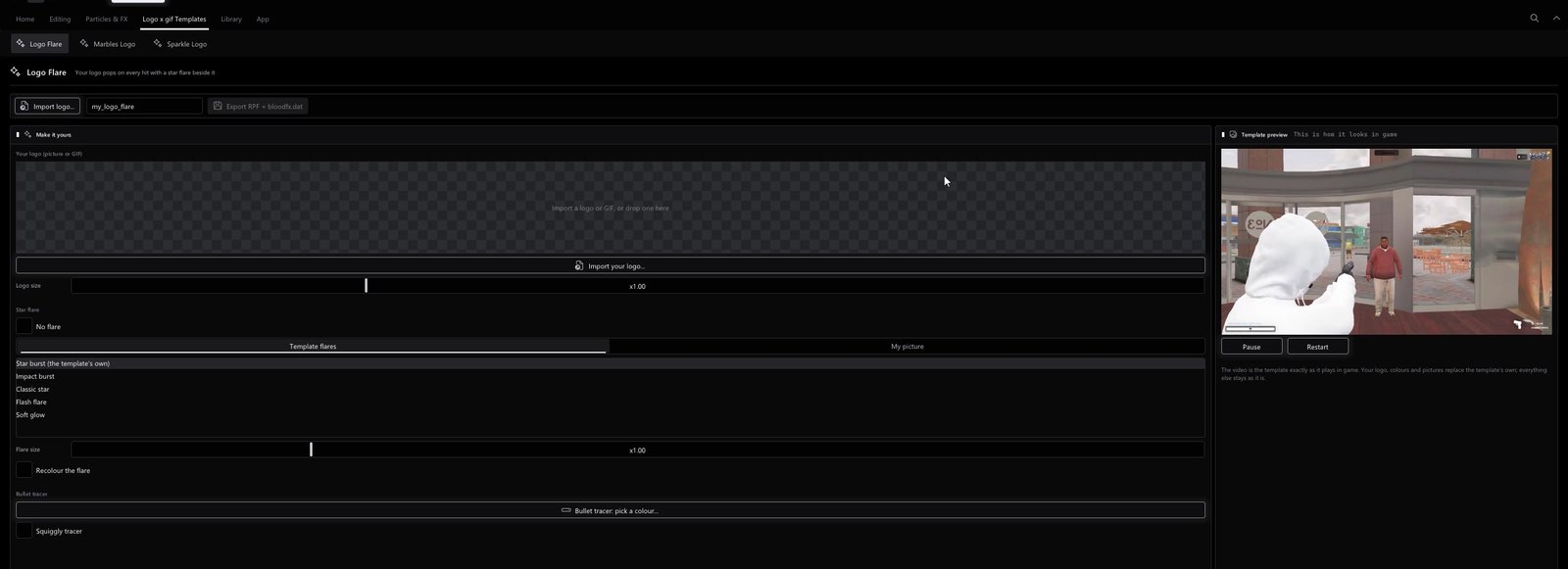
- Add a logo or GIF (optional). Import a picture or an animated GIF and it pops on every hit.
- Pick a tracer. Squiggly, black, shrunk or rainbow, or any colour, with size, speed and glow.
- Build and install. You get an .rpf and a bloodfx.dat. See how to install a BFX.
Logo and GIF BFX
A logo BFX shows your picture on every hit. You can show it with a star flare, as a shiny metal or glassy ghost logo, or as lots of tiny 3D copies that burst out and bounce. Animated GIFs work too.
Tips for a clean BFX
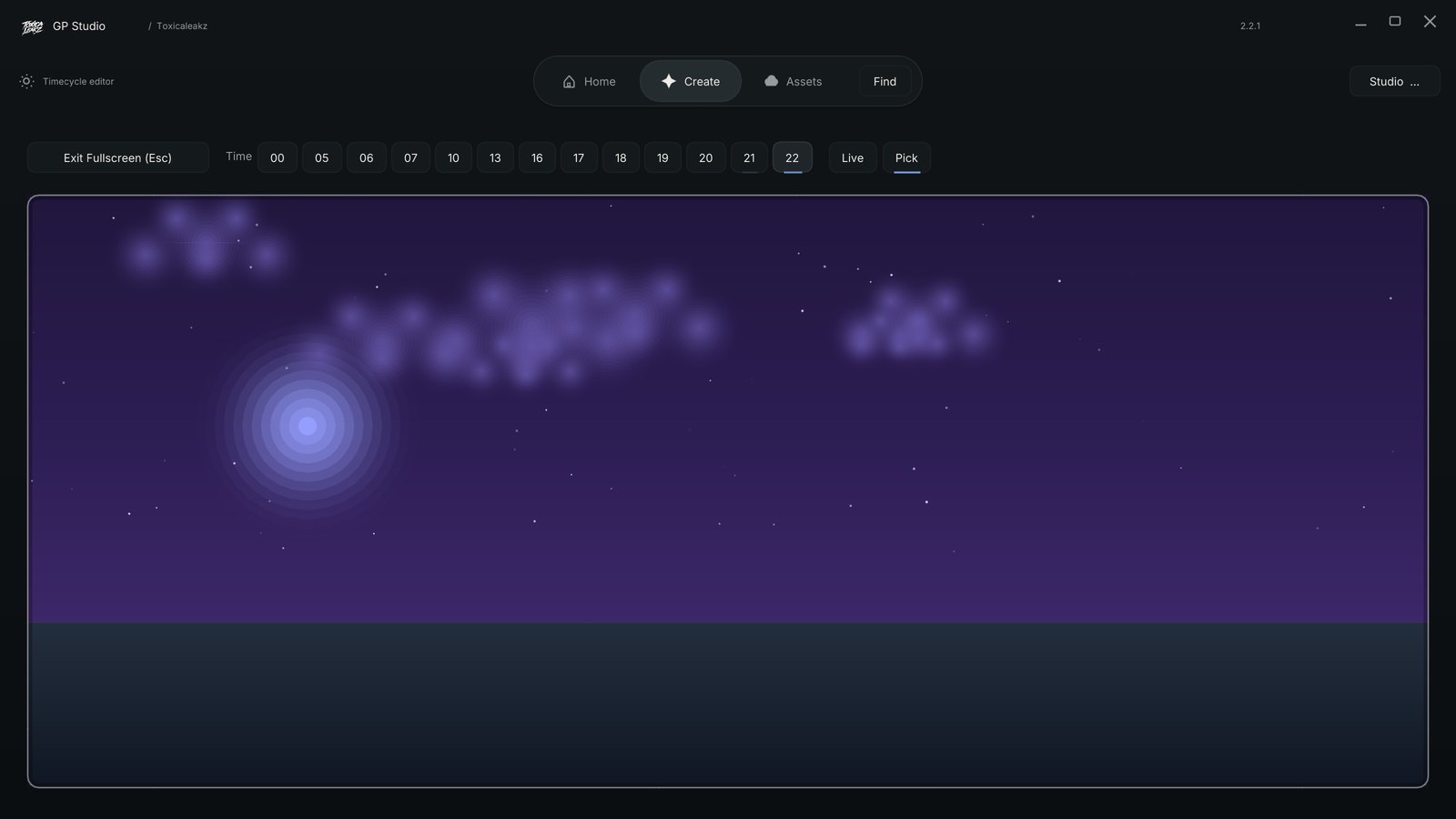
- Bright colours read better on dark skies. Test your BFX on a day and a night sky.
- Keep only one BFX in your
modsfolder. - If your BFX has its own tracer, remove any separate tracer mod.
FAQ
Do I need modding skills to make a BFX?
No. With the Blood FX Tool you pick an effect, change its colour, add a logo if you want, and press Build.
Can I put my own logo on hits?
Yes. Import a picture or an animated GIF and it shows on every hit.
What tracers can I make?
Squiggly, black, shrunk and rainbow tracers, or any colour, with size, speed and glow you can change.
Is the Blood FX Tool in the Master Tool?
Yes. It is one of the 15 tools in the Master Tool, or $35 on its own.