How chains work in FiveM
In FiveM a chain is usually worn in the neck/accessory clothing slot (called teef in the game files). It is a model (.ydd) and its textures (.ytd), with copies for the male and female freemode characters.
Big pendants can also be a prop attached to the chest, so they hang and move with the player.
What you need
- A 3D model of the chain or pendant (GLB, GLTF, OBJ or FBX), or a logo as an SVG
- Blender 4.2 or newer, with the Sollumz add-on for exporting GTA files
- A FiveM server to add the finished resource to
From model to wearable chain
- Import your model or logo.
- Fit it to the neck: position, scale and rig it so it follows the body.
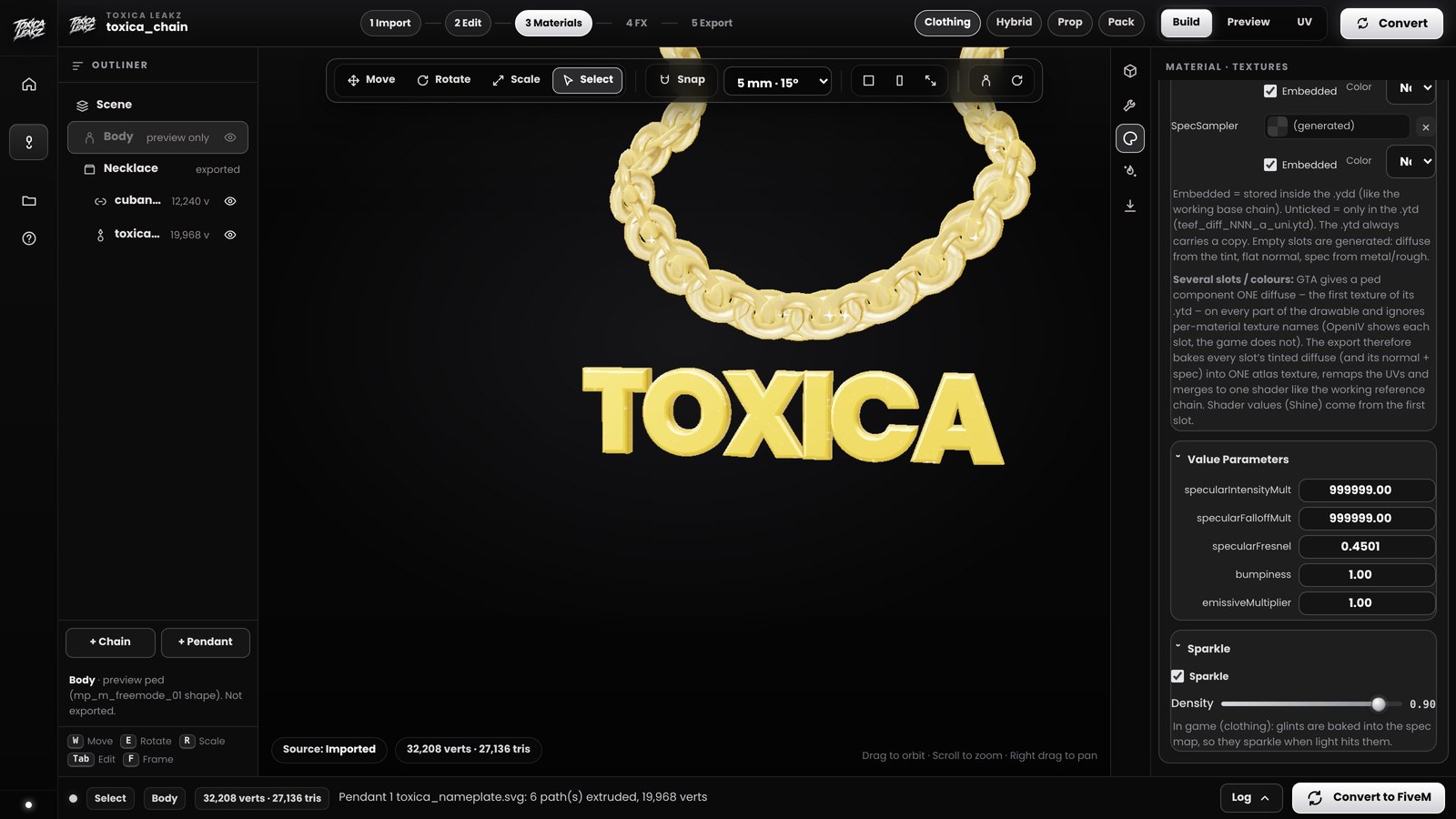
- Pick the look: metal colour, shine and sparkle. Iced-out chains use a sparkle texture.
- Export it as a FiveM resource with the model and textures for both genders.
- Add it to your server: copy the folder into
resources, addensure your-chaintoserver.cfg, restart.
The easy way: Chain Creator
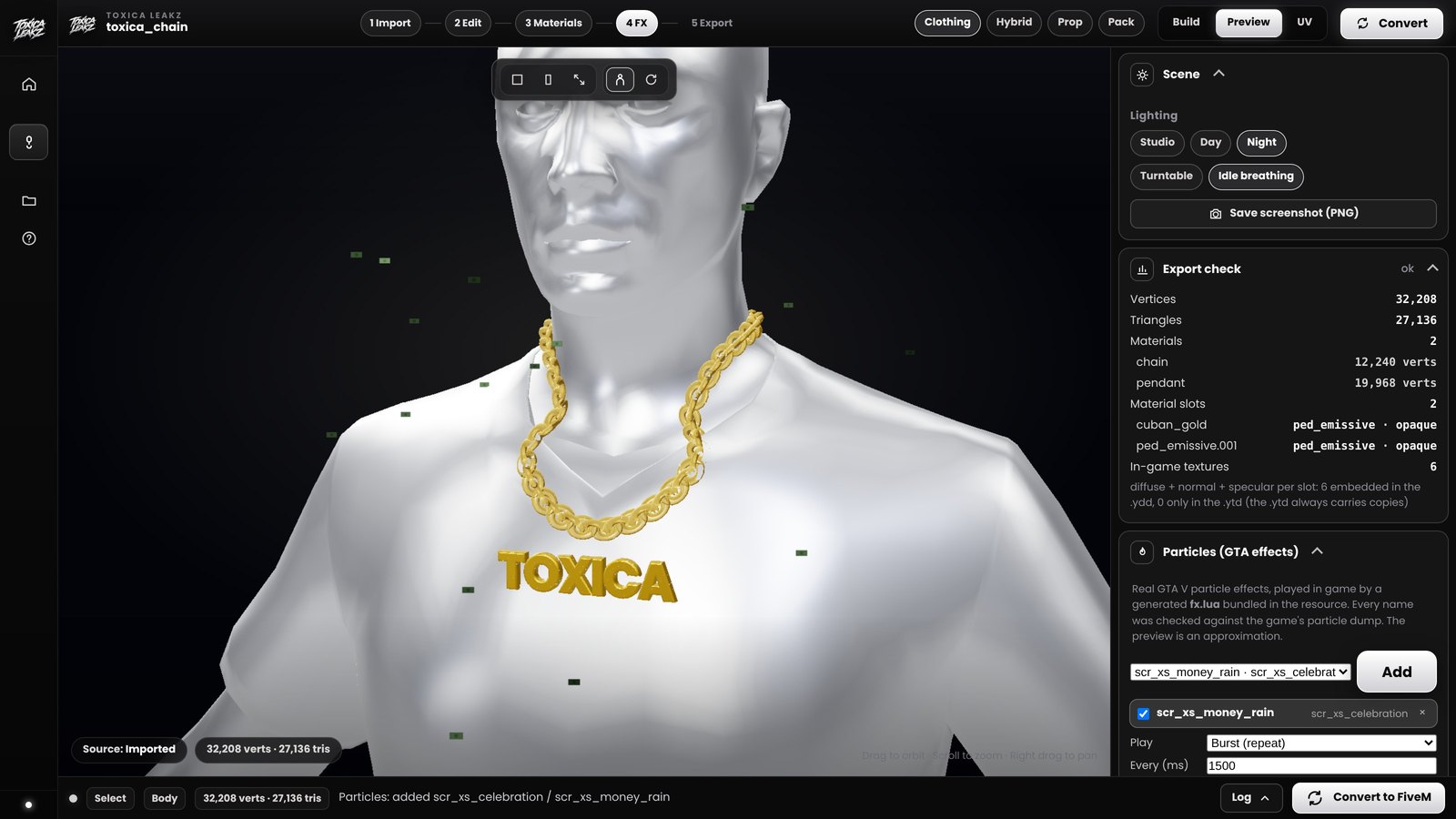
Chain Creator does the steps above for you. It turns 3D models or an SVG logo into wearable chains and pendants, fits them to the neck, adds GTA particle effects like shine and sparkle, and builds a FiveM-ready resource. Pack mode puts many chains in one resource, so you only need one ensure line. It sets up the Blender add-on it needs by itself the first time.
FAQ
What slot do FiveM chains use?
The neck/accessory slot (teef). Big pendants can also be props attached to the chest.
Can I make a chain with my logo?
Yes. Chain Creator turns an SVG logo into a pendant you can wear on a chain.
Do I need Blender?
Yes, Blender 4.2 or newer. Chain Creator installs the Sollumz add-on it needs by itself.
How do I add a chain to my server?
Copy the resource folder into your server's resources folder, add ensure with its name to server.cfg, and restart.