Where the timecycle folder is
The timecycle files sit in %LOCALAPPDATA%\FiveM\FiveM.app\citizen\common\data\timecycle\. Inside you will find two kinds of files:
- Weather files:
w_<weather>.xml, one per weather. For examplew_extrasunny.xmlis the clear sunny weather. The list of weathers comes fromlevels\gta5\weather.xml. - Modifier files:
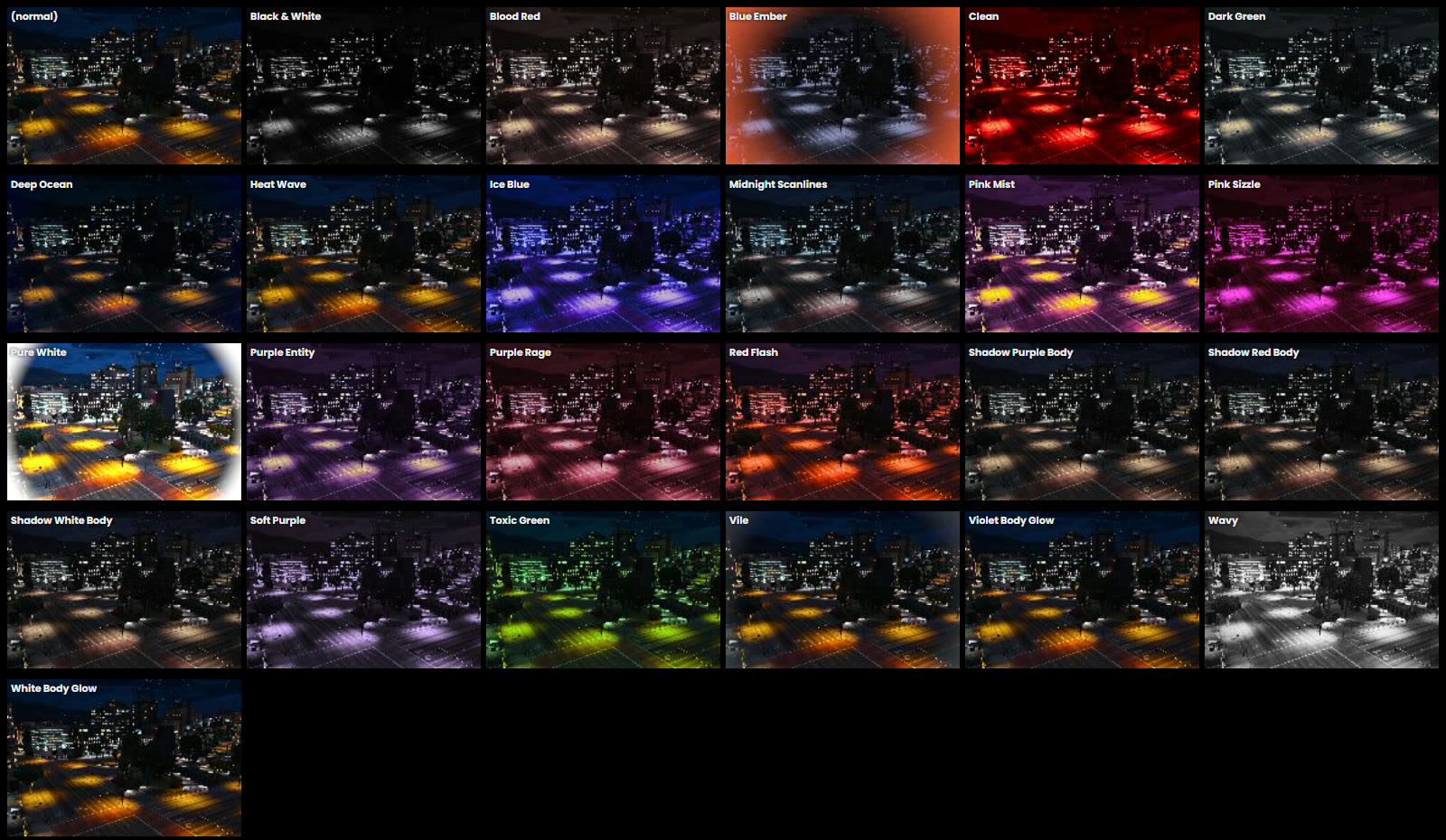
timecycle_mods_1.xmltotimecycle_mods_4.xml. A modifier is a short effect laid over the normal look. The red kill flash is one of them:hud_def_desat_cold_killintimecycle_mods_4.xml. See how to change the kill effect.
New to these folders? Read the citizen folder explained first.
How a timecycle is built
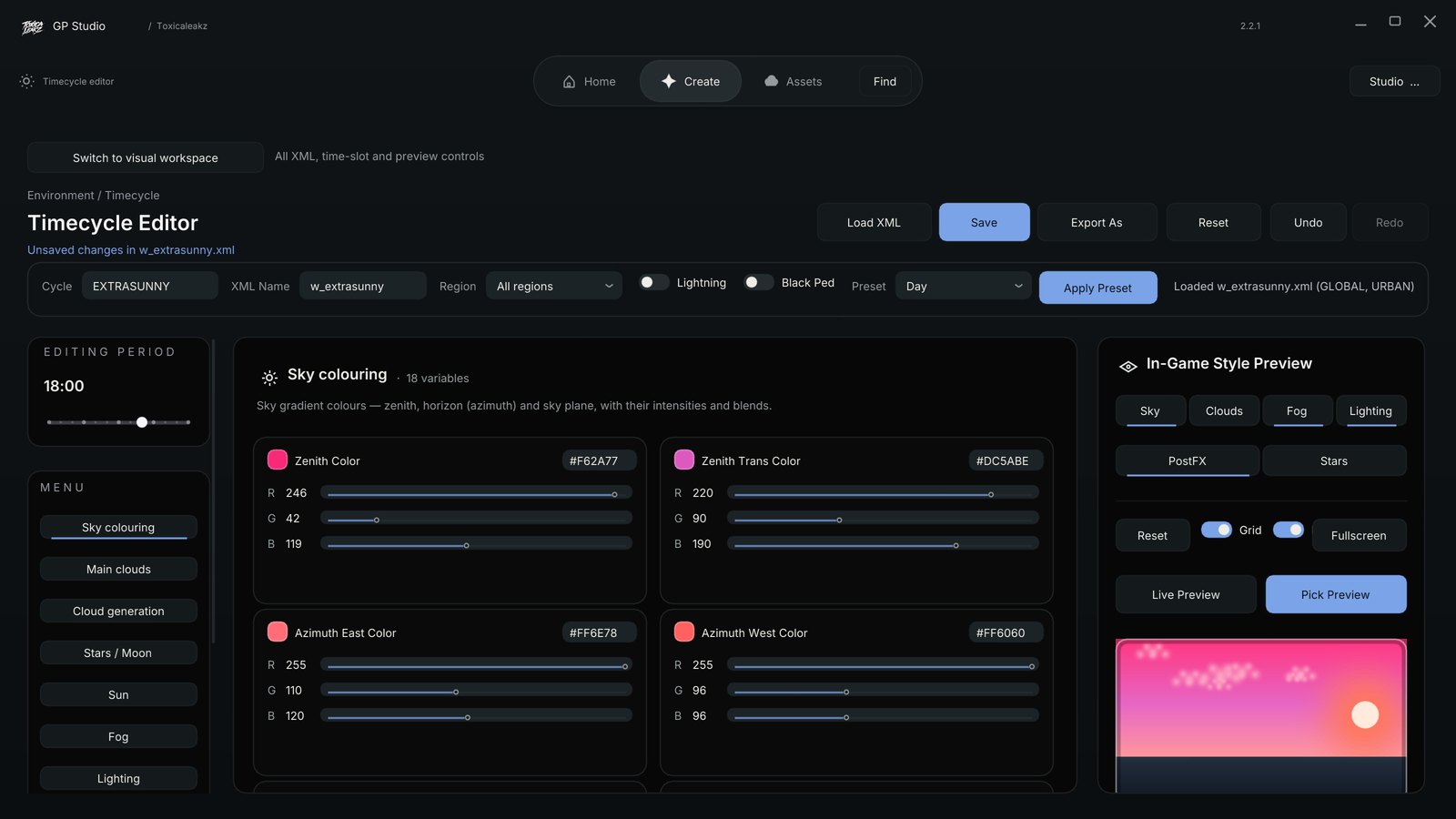
A weather file holds a list of variables. The Sky Tool works with 127 of them, in groups like sky colouring, main clouds, cloud generation, fog, sun, stars and moon, light rays and lighting. A few real names:
sky_zenith_col: the colour at the top of the skysky_cloud_base_col: the colour of the cloudsfog_density: how thick the fog is
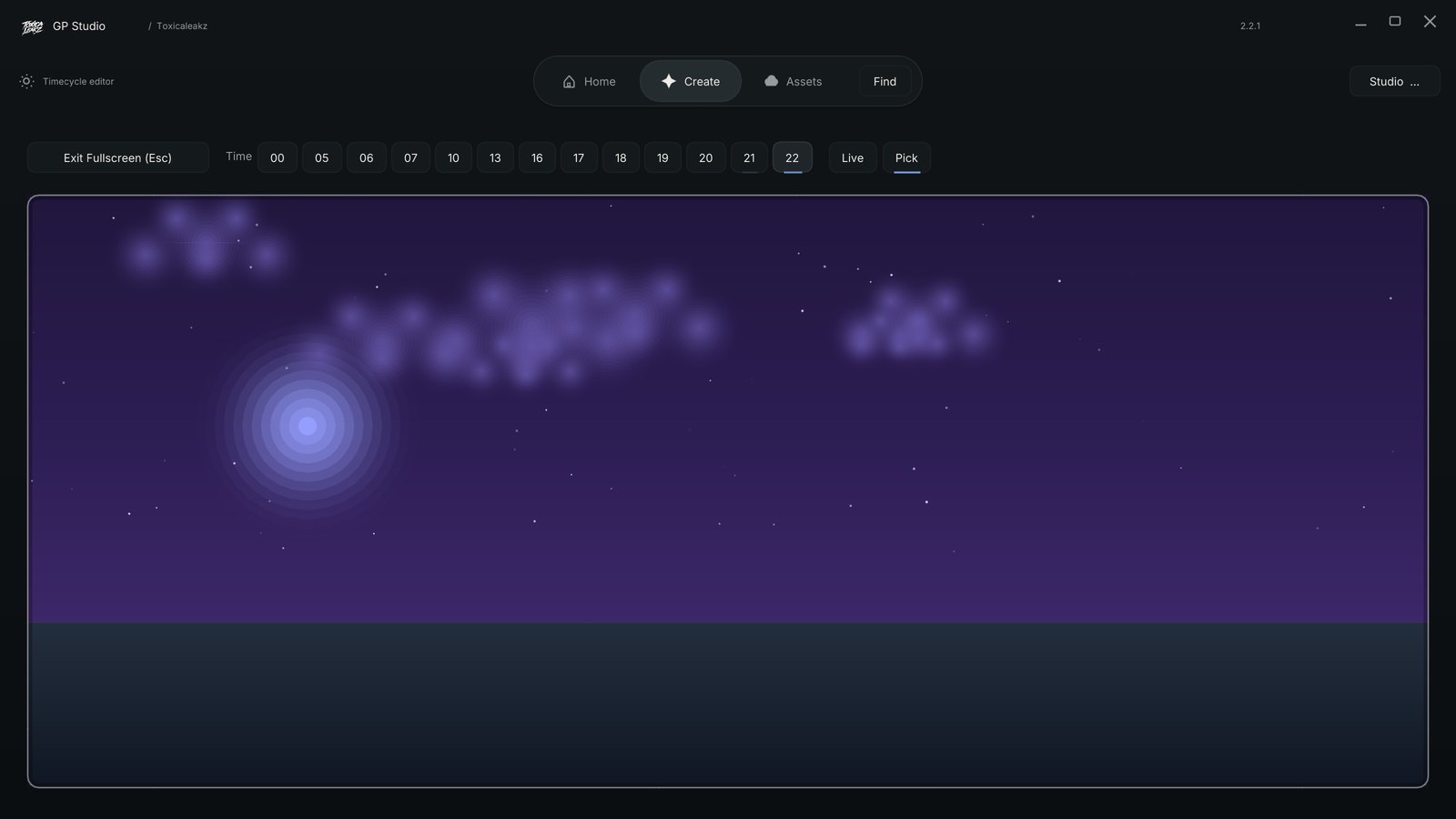
Each variable has 13 values, one for each time slot: 00, 05, 06, 07, 10, 13, 16, 17, 18, 19, 20, 21 and 22. They are not evenly spaced. Most of them sit around sunrise and sunset, because that is when the sky changes the most. The game blends between them for the hours in between.
The variables also sit in regions. GLOBAL is the main one, and there are others such as URBAN. If you only change one region, other areas can still look the old way.
Edit a timecycle by hand
- Close FiveM.
- Back up the whole
timecyclefolder to your desktop. This is your way back. - Pick one weather and open its file in a text editor, for example
w_extrasunny.xml. - Find the variable you want and change only the number for the time slot you care about.
- Keep the XML valid. Don't delete tags, quotes or brackets. Keep the same count of numbers on the line.
- Save and start FiveM. Set the weather and time in game to check your change.
Change one weather at a time. If something looks wrong, you know exactly which file did it, and you only have to put that one file back.
Common mistakes
Editing the wrong weather
You changed w_extrasunny.xml but the server is set to clouds or rain. Your edit is there, it just isn't showing. Check which weather is active, then edit that file.
Leftovers from an old sky
If a file from an older sky is still in the folder, it can clash with your timecycle and give a dark or green picture. How to change your sky explains which files cause it and how to clean up.
Copying a whole timecycle_mods file
A timecycle_mods file can belong to your sky pack. Copying a different one over it replaces more than you wanted. Change only the block you need.
Broken XML
One missing bracket can stop the whole file from loading. If the look suddenly goes back to normal or breaks, put your backup back and try again.
The easy way: Sky Tool timecycle editor
The Sky Tool has a timecycle editor, so you don't have to touch the XML:
- Live sky preview for every hour, so you see the change before you install it.
- Every time slot and region in one place.
- Presets to start from: Sunset, Galaxy, Aurora and Bloodmoon.
- Sky Doctor checks for broken numbers, a sky that is too bright, wrong weather names and negative values, with one-click fixes.
- Put my original sky back restores your own files.
FAQ
Where is the FiveM timecycle folder?
In %LOCALAPPDATA%\FiveM\FiveM.app\citizen\common\data\timecycle\.
What is the difference between w_ files and timecycle_mods?
A w_<weather>.xml file is the normal look for one weather. The timecycle_mods_1 to 4 files hold modifiers, short effects on top, like the kill flash.
Why does my timecycle edit not show in game?
Usually you edited a different weather than the one that is active, or you changed only one region. Also make sure FiveM was restarted after saving.
How many hours does a timecycle have?
It has 13 time slots: 00, 05, 06, 07, 10, 13, 16, 17, 18, 19, 20, 21 and 22. The game blends between them.
How do I undo my timecycle changes?
Put back the timecycle folder you backed up. In the Sky Tool, use Put my original sky back.