The two files in a sound pack
A GTA/FiveM gun sound pack is usually two files:
RESIDENT.rpfWEAPONS_PLAYER.rpf
They replace the game's own files with the same names in GTA V\x64\audio\sfx\.
Install a sound pack by hand
- Close GTA and FiveM.
- Open your GTA V folder, then
x64\audio\sfx\. - Back up the original
RESIDENT.rpfandWEAPONS_PLAYER.rpf. - Copy the pack's two files in and replace the originals.
- Check
FiveM.app\mods\: if it has its ownresident.rpforweapons_player.rpf, FiveM plays those instead. Replace or remove them too.
Most "my new sounds don't play" problems are an old sound pack still sitting in FiveM.app\mods.
Make your own sounds
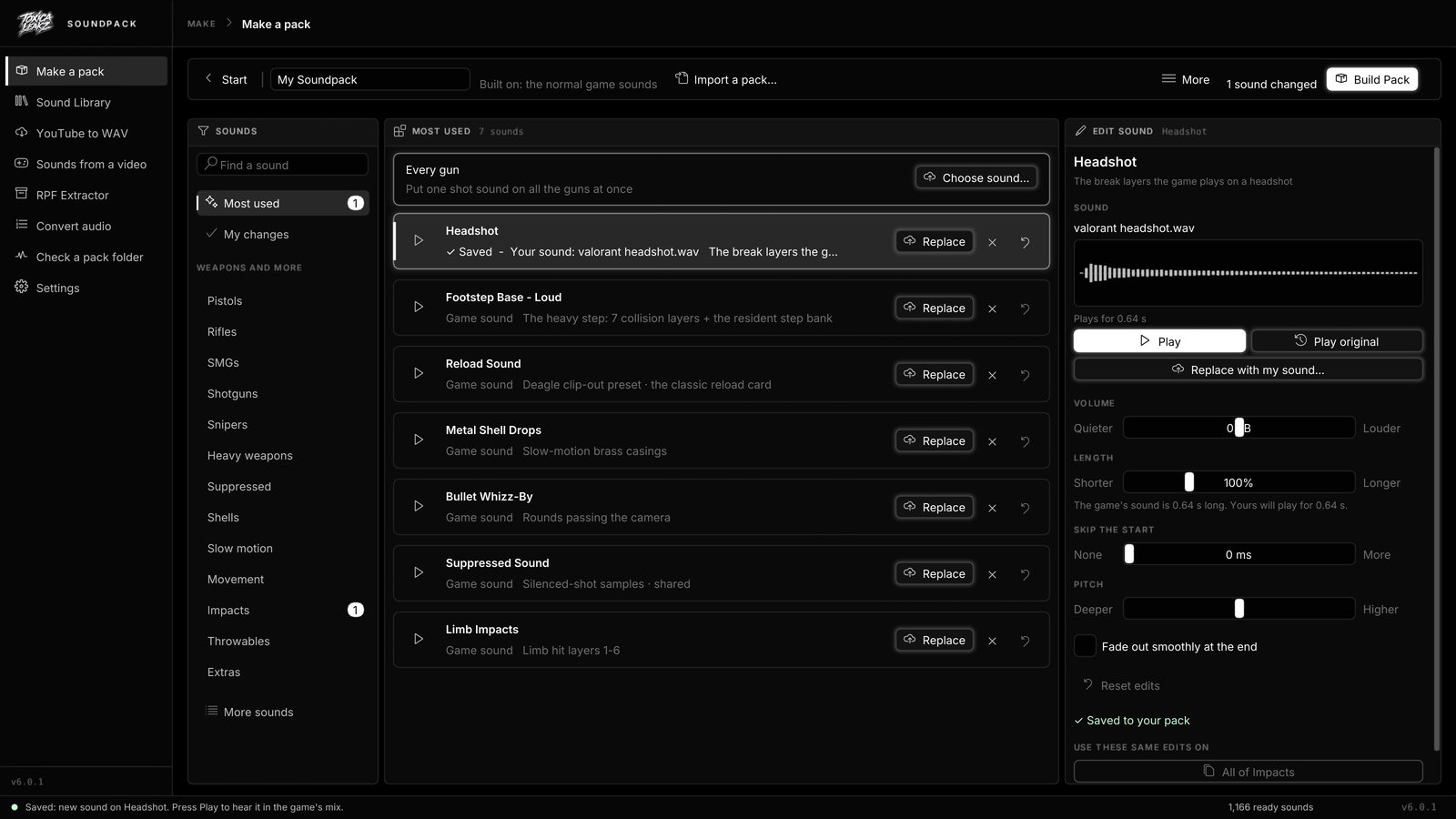
With the Sound Pack Tool you change how every weapon class sounds, from pistols to snipers, plus headshots and reloads. Pick from a 1,000+ sound library or your own files, make sounds louder, quieter or up to 3x longer, or import an existing pack to edit.
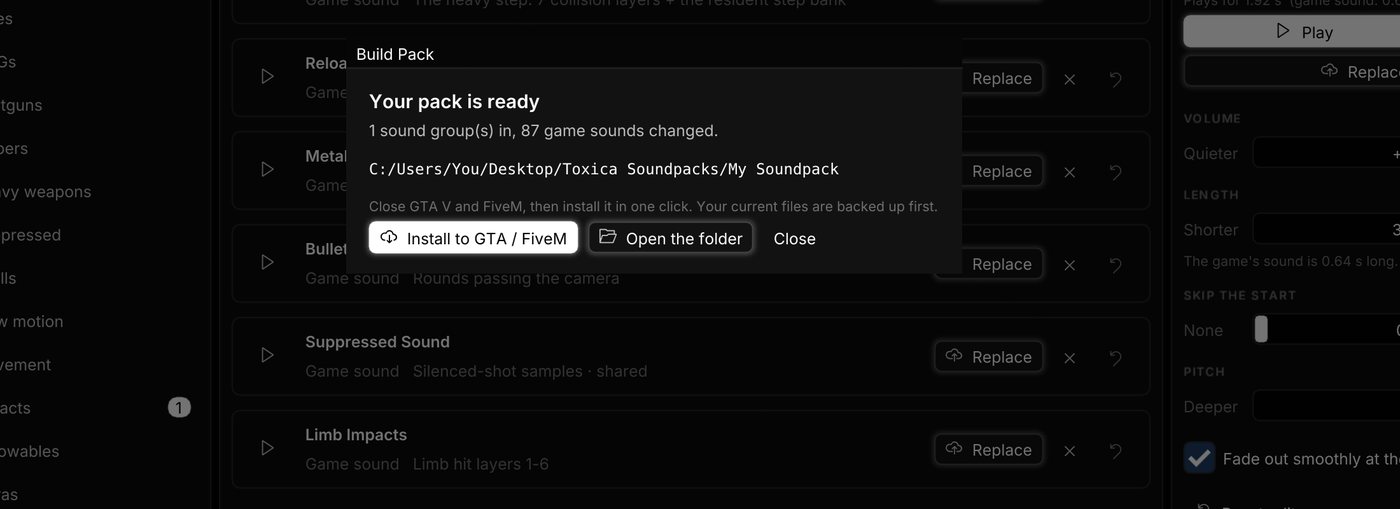
Install in one click
The Sound Pack Tool's Install to GTA / FiveM button finds your GTA V folder, copies both files into x64\audio\sfx, also replaces any old sound files in FiveM.app\mods, and backs up the originals into a dated folder first. Windows may ask you to allow it.
FAQ
Where do FiveM gun sound files go?
RESIDENT.rpf and WEAPONS_PLAYER.rpf go in GTA V\x64\audio\sfx\. Also check FiveM.app\mods for old copies.
Why are my new gun sounds not playing?
Usually an older resident.rpf or weapons_player.rpf in FiveM.app\mods is being played instead. Replace or remove it.
Can I make my own gun sounds?
Yes. The Sound Pack Tool lets you replace any gun, headshot or reload sound and build your own pack.
Should I follow server rules?
Yes. Always follow your server's rules on custom files.