Where ReShade must be for FiveM
FiveM loads ReShade from its own plugins folder, not from the GTA V folder.
- Right-click your FiveM shortcut → Open file location. You'll see the
FiveM.appfolder. - Open
FiveM.app\plugins\. Create thepluginsfolder if it isn't there. - Check what's inside. ReShade is installed when you see
ReShade.iniand a ReShade DLL such asdxgi.dll,d3d11.dll,d3d12.dllorReShade64.dll.
Nothing there? Install ReShade first with the steps in how to install a ReShade preset in FiveM.
Common problems and fixes
- ReShade is in the GTA V folder. Move or reinstall it into
FiveM.app\plugins\. FiveM doesn't use a ReShade in the GTA V folder. - There's no ReShade.ini. ReShade makes this file the first time it runs. Start FiveM once with ReShade, close it, and the file appears in
plugins. - You can't copy or save files into plugins. FiveM is still using them. Close FiveM completely, then try again.
- The preset doesn't load. The preset .ini has to be in
plugins, andReShade.inihas to point to it: under[GENERAL],PresetPath=.\YourPreset.ini. Or open the ReShade menu and pick the preset at the top. Then press Reload. - The menu doesn't open. The default key is Home. If you or a preset changed the menu key in ReShade's settings, use that key instead.
- Parts of the preset do nothing. The preset uses shaders you didn't install. Run the ReShade installer again and tick the effect packs it needs.
- You can't change effect values. ReShade's Performance Mode is on. Turn it off in the ReShade menu to edit, then turn it back on when you're done.
Before you edit ReShade.ini by hand, make a copy of it. If something breaks, put the copy back.
ReShade works but FPS dropped
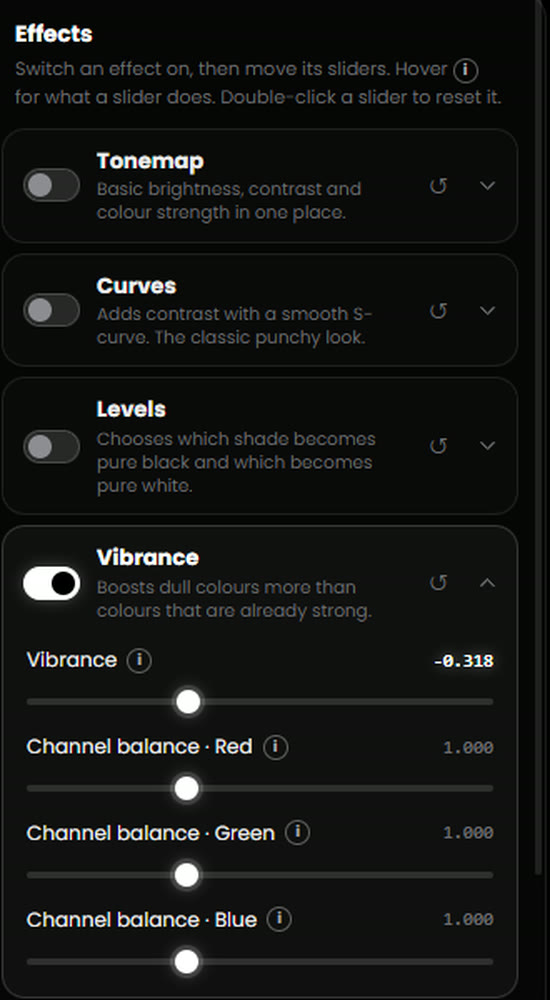
Some effects are much heavier than others. Colour grading (curves, levels, vibrance, tonemap) is light. These are heavy:
- Ambient occlusion: MXAO, SSDO, SSAO and similar
- Global illumination (RTGI and similar)
- Screen space reflections (SSR)
- Depth of field (DoF)
Turn those off or down first, and turn on Performance Mode in ReShade once your look is done. For game settings that help, see the FiveM FPS boost guide.
Let ReShade Studio check it for you
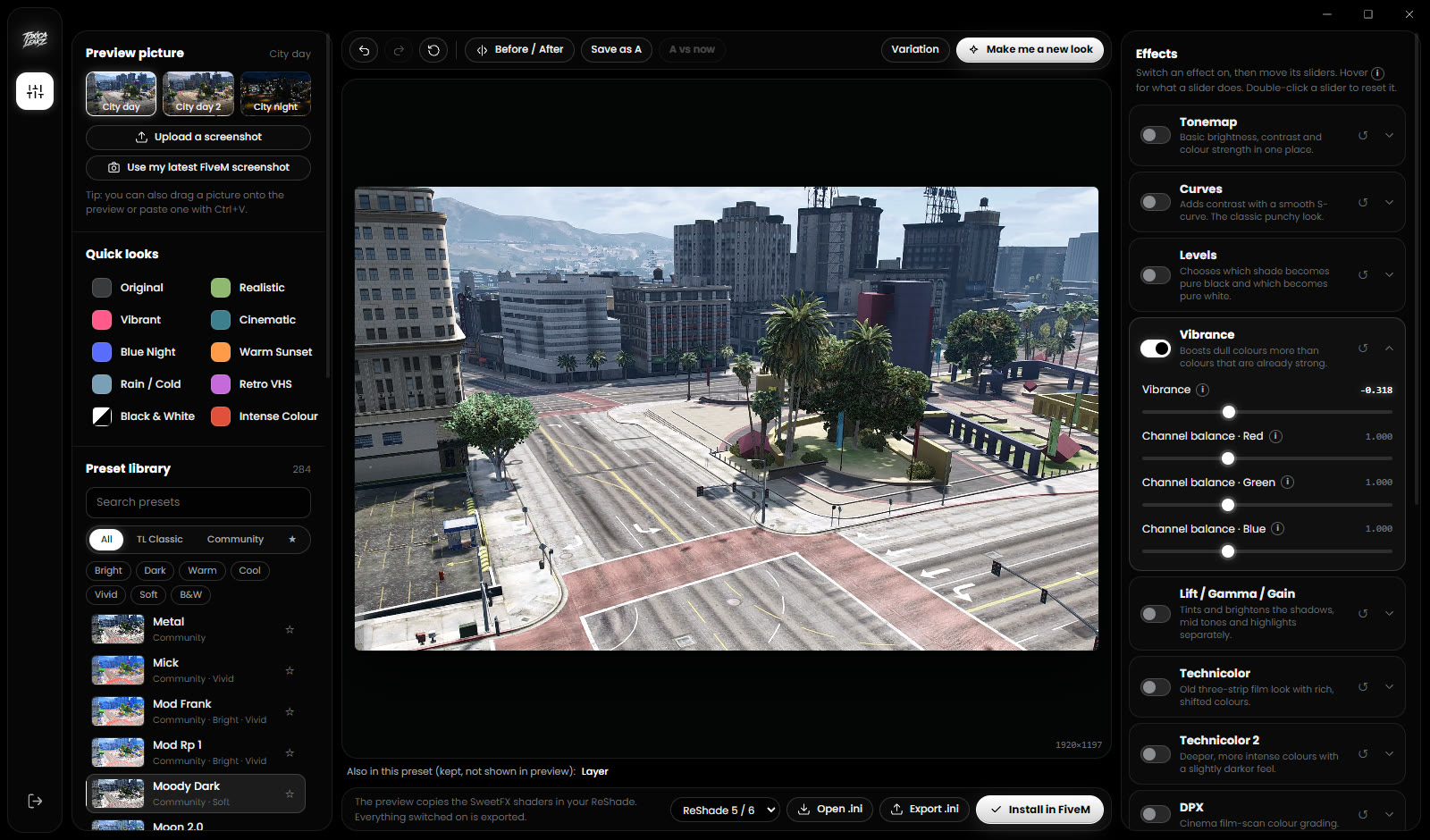
ReShade Studio does not install ReShade itself. Once ReShade is in FiveM, it handles the preset part:
- It finds your
FiveM.appfolder on its own. If it can't, press Choose my FiveM folder. - Install in FiveM saves your preset into
plugins, setsPresetPathinReShade.ini, checks that it worked and backs up your oldReShade.inifirst. - If something's wrong, it tells you which problem it is: ReShade isn't installed in FiveM yet,
ReShade.inidoesn't exist yet (start FiveM once), the active preset couldn't be set (pick it at the top of the ReShade menu), or it can't write toplugins(close FiveM). - Presets in your FiveM plugins folder lists the presets you already have, so you can open and edit them.
- Export for ReShade 5 / 6 or ReShade 4, to match the ReShade version you have.
It doesn't check your shaders. If effects are missing, run the ReShade installer again.
FAQ
Why is ReShade not showing in FiveM?
Usually ReShade is in the GTA V folder instead of FiveM.app\plugins\, or the plugins folder has no ReShade DLL. Install it into plugins and press Home in game.
Where is the FiveM plugins folder?
Right-click FiveM → Open file location, then open FiveM.app\plugins\. Create the plugins folder if it isn't there.
Why is there no ReShade.ini in my plugins folder?
ReShade creates it the first time it runs. Start FiveM once with ReShade installed, close it, and ReShade.ini will be there.
Why can't I change effect values in ReShade?
Performance Mode is on. Turn it off in the ReShade menu, make your changes, then turn it back on.
Does ReShade Studio install ReShade?
No. Install ReShade once yourself. ReShade Studio then makes, previews and installs presets, and tells you if ReShade is missing.