Stutter, low FPS or server lag?
- Low FPS: the game is slow all the time, even when you stand still. Fix it with lighter settings, see the FiveM FPS boost guide.
- Stutter: your FPS is fine, but the game freezes for a split second, often when you drive fast, turn the camera or enter a new area. This is usually the game loading things, or something else on your PC getting in the way.
- Server lag: players teleport, cars jump back (rubber-banding) and your actions happen late. Your FPS can be perfect. This comes from your connection or the server, not your graphics.
Quick test: join another server. If the problem goes away there, it's the first server, not your PC. Also check the ping in the server list: a high ping means the server is far away or your connection is busy.
Common causes of stuttering
These cause stutters even on a high-end PC:
- Background apps: browsers with many tabs, downloads, overlays and recording apps all fight FiveM for your PC.
- Texture quality too high for your graphics card's memory (VRAM). When textures don't fit, the game has to swap them in and out, which shows up as stutters and blurry textures.
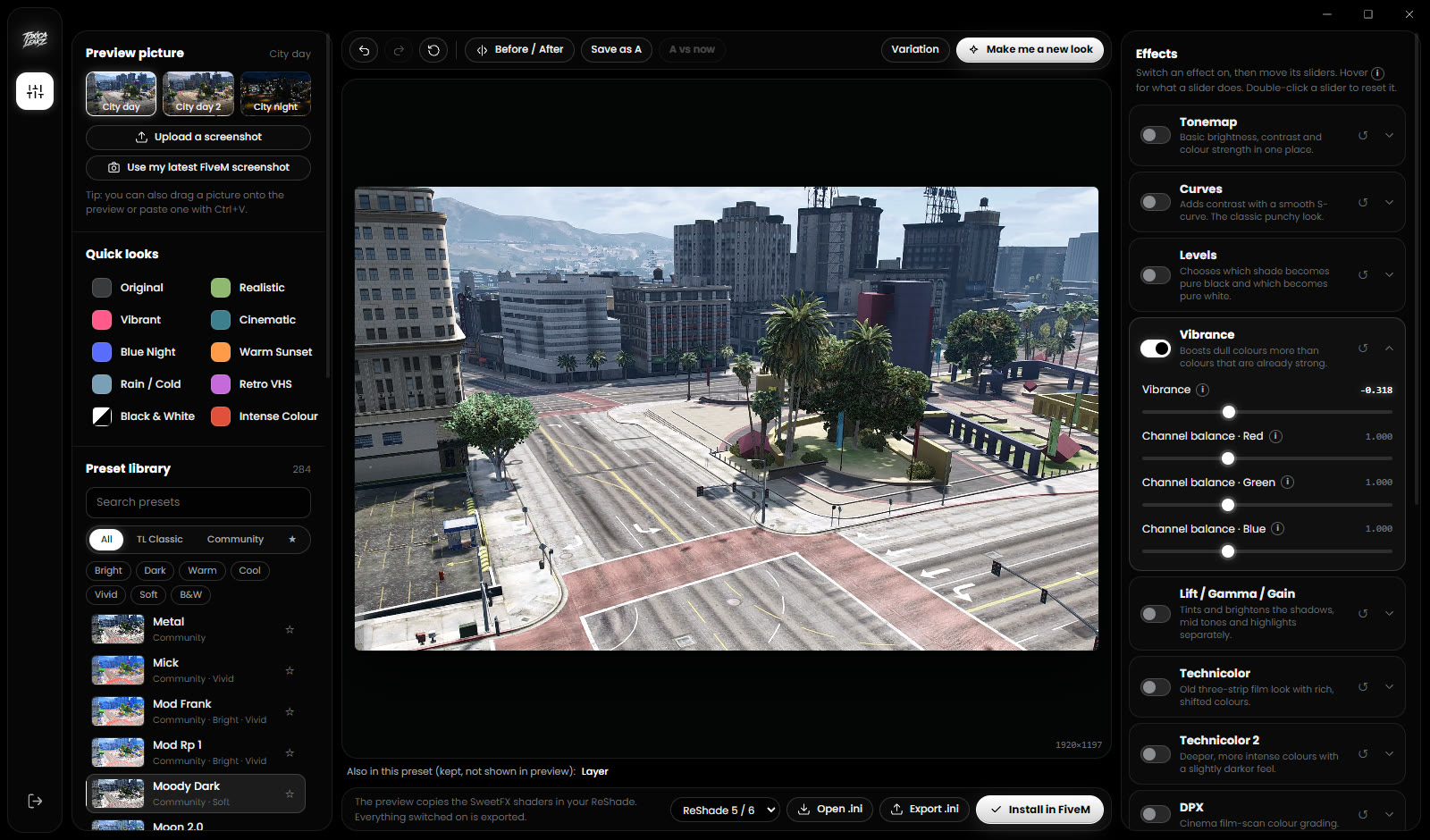
- A heavy ReShade preset in your graphics pack.
- A broken or very full cache, or a server that sent you broken files.
- Laptop on battery or in a power saving mode.
- Old graphics drivers.
Quick fixes to try first
- Restart your PC. It clears out apps and updates that are stuck in the background.
- Close background apps before you play: browsers, downloads, game launchers you don't need and recording software.
- Update your graphics driver from NVIDIA, AMD or Intel.
- Plug your laptop in and use a performance power mode.
- Verify your GTA V files in Steam, Epic or the Rockstar Games Launcher if the game itself acts strange.
- Use the FPS settings and Windows settings from the FPS boost guide. Lower settings also mean less to load, so fewer stutters.
If you have space, keep GTA V and FiveM on an SSD. The game streams the map from disk while you play, and a slow hard drive makes that harder.
Textures not loading (texture loss)
Blurry roads, missing buildings or grey cars that sharpen up late usually mean the game can't load textures fast enough.
- Match texture quality to your VRAM. Textures mostly cost video memory, not FPS. If your card has little VRAM, Texture quality on Very High can make things worse. Try High or Normal. You can see your VRAM in Task Manager → Performance → GPU (Dedicated GPU memory).
- Don't put distance all the way down. Distance scaling at 0% makes buildings and roads pop in right in front of you. A little distance is better.
- Only one server loads wrong or broken files? Clear the server downloads. Close FiveM, open
FiveM.app\dataand delete the contents ofserver-cache(andserver-cache-privif you have it). Servers download their files again, so your next join is slower.
Never delete the game folder in data\cache: it holds several GB of GTA update files. The full safe cache steps are in the FPS boost guide.
Do it in a few clicks with the Optimizer
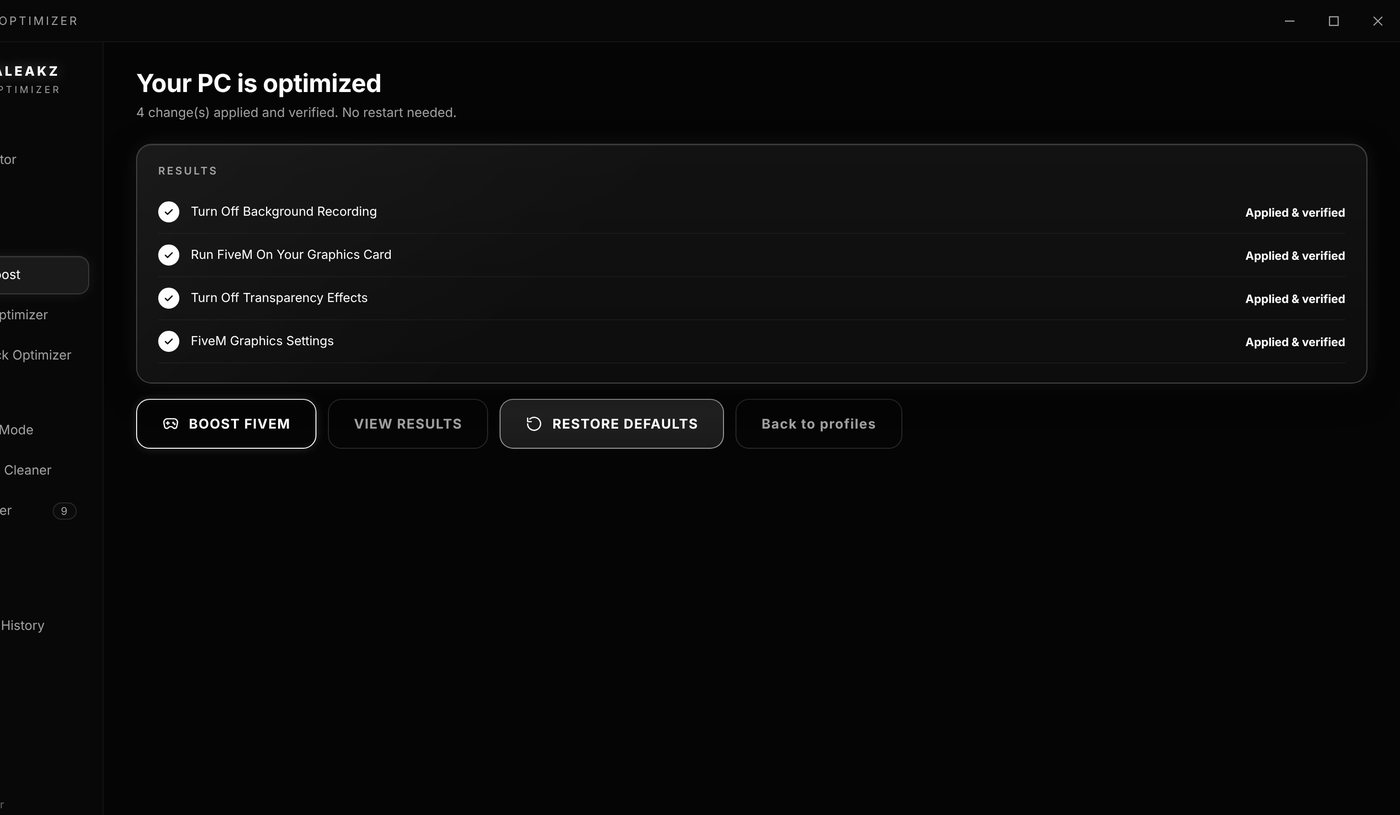
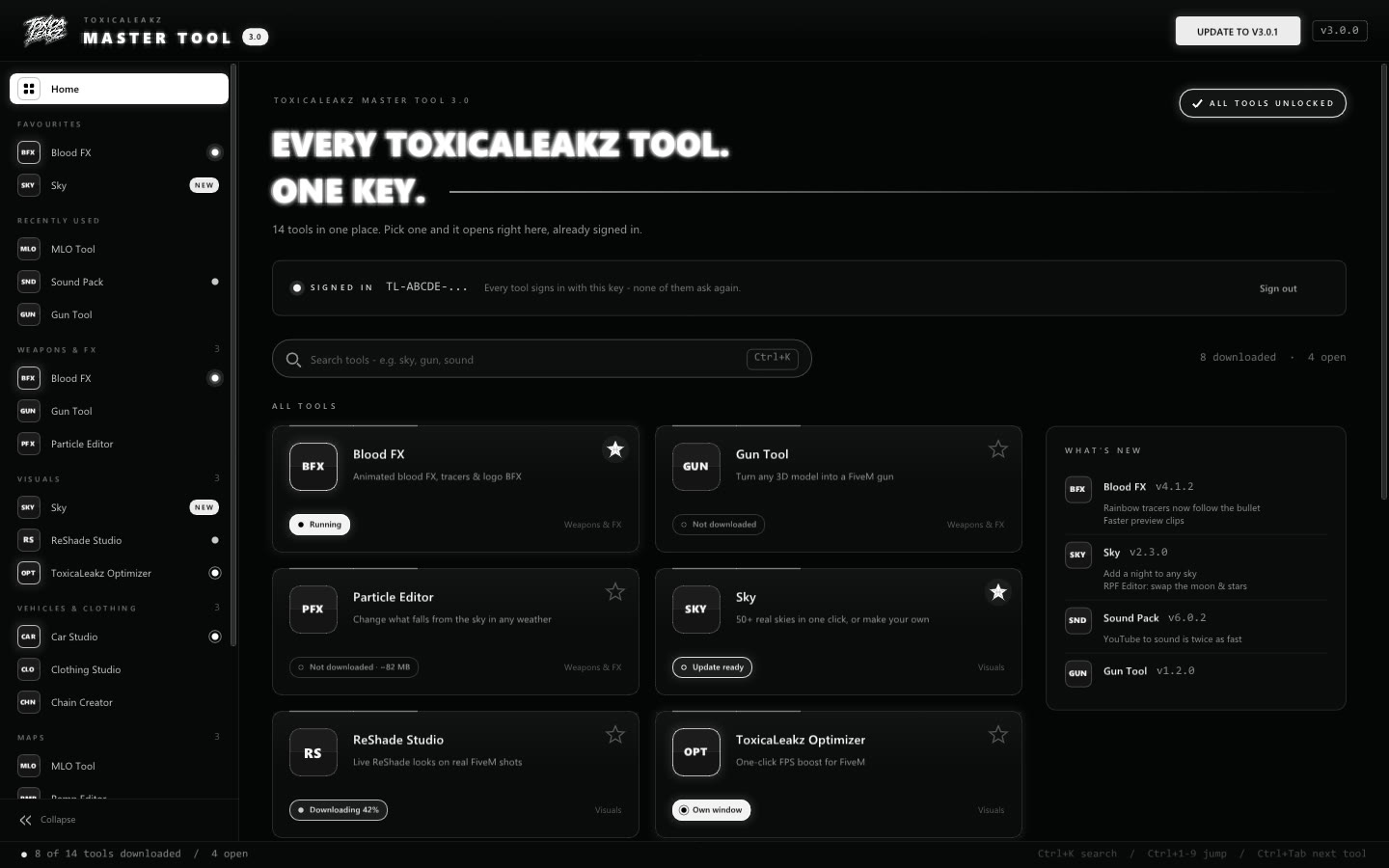
The ToxicaLeakz Optimizer does the steps above for you, and every change can be undone.
- PC Analysis rates your PC as low-end, mid-range or high-end and explains why.
- FiveM FPS Optimizer changes your FiveM graphics settings (
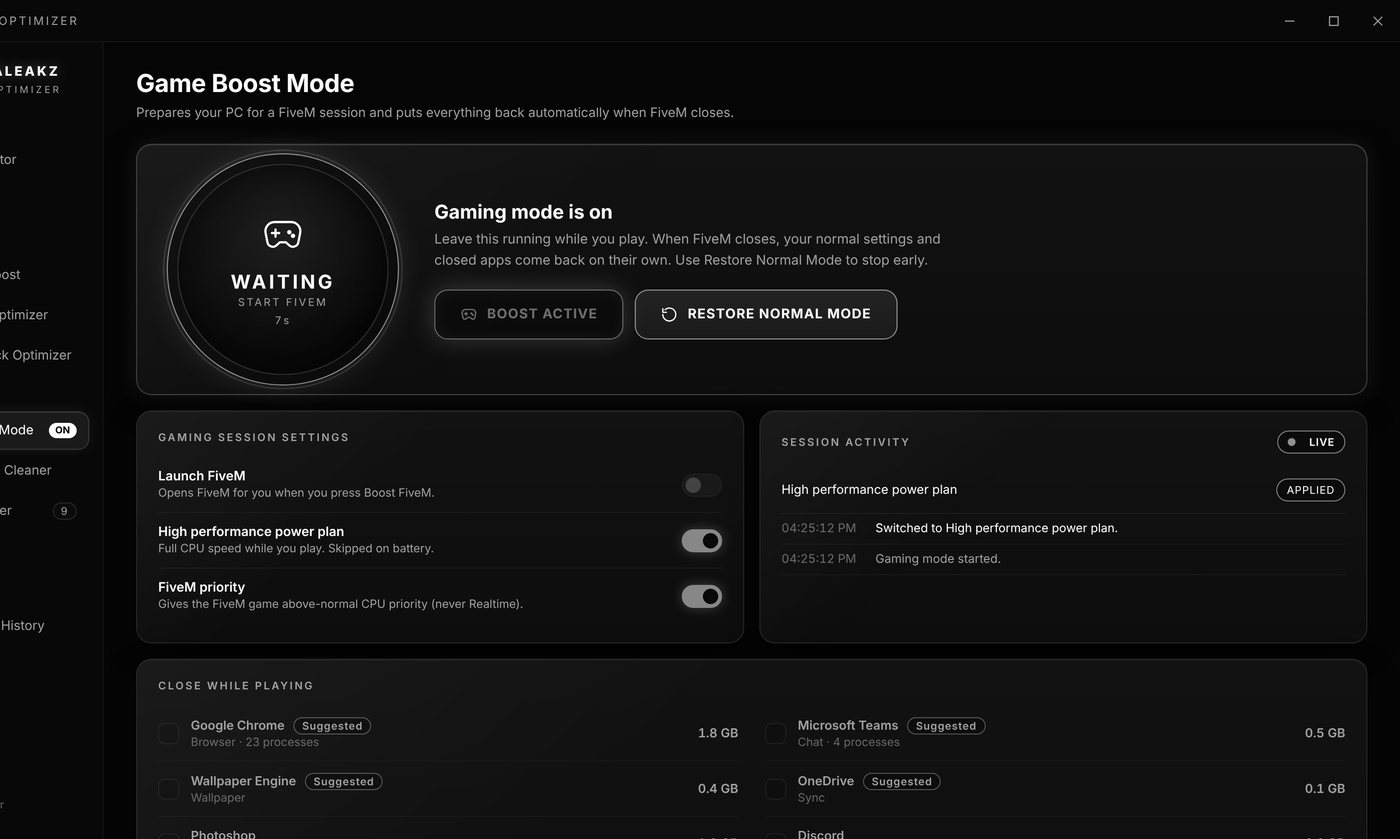
%APPDATA%\CitizenFX\gta5_settings.xml) with one of four profiles. It picks Texture quality from your VRAM, keeps some distance on stronger PCs so the map doesn't pop in, and never changes your resolution, refresh rate or window mode. It backs up the file first. FiveM must be closed. - Game Boost Mode (BOOST FIVEM) switches to the High performance power plan and gives FiveM above-normal priority only while it runs. Both go back to normal after you close FiveM. Close while playing closes the background apps you pick and can reopen them afterwards.
- FiveM Cache Cleaner shows folder sizes and cleans the FiveM cache and crash dumps. Server downloads is off by default: tick it only if a server keeps loading wrong or broken files. It never touches
citizen,mods,pluginsor your game files, and it won't run while FiveM is open. - Graphics Pack Optimizer makes a heavy ReShade preset lighter, starting with Keep My Look.
- Restore Center undoes any change, one by one or all at once.
When it's the server
No setting on your PC fixes server lag. It's the server if:
- Everyone on the server complains at the same time.
- Players and cars teleport or rubber-band while your FPS stays high.
- Your ping is high on that server but fine on others.
Pick a server closer to you, close downloads and streams on your network, and use a cable instead of Wi-Fi if you can. If it's the server itself (too many players or heavy scripts), let the owner know in their Discord.
FAQ
Why does FiveM stutter on a high-end PC?
A strong PC can still stutter from background apps, overlays, texture quality set higher than your VRAM can hold, a heavy ReShade preset, a broken cache or a laggy server.
Why are textures not loading in FiveM?
Usually your texture quality is too high for your VRAM, distance is set very low, or one server sent broken files. Lower texture quality first, then clear that server's downloads with FiveM closed.
Is it safe to clear the FiveM server cache?
Yes, with FiveM closed. Servers just download their files again, so the next join takes longer. Don't delete the game folder in data\cache.
Can the Optimizer fix server lag?
No. Server lag comes from the server or your connection. The Optimizer helps with FPS, stutters from your PC and cache problems.
Does the Optimizer change my resolution?
No. It never changes resolution, refresh rate, window mode, monitor or audio. It only changes graphics settings, backs up the file first and every change can be undone in the Restore Center.