What is in a graphics pack
Every pack is different, but most use the same few places:
- .rpf files (textures, effects, sky): go in
FiveM.app\mods\ - ReShade (
dxgi.dll,ReShade.ini, presets) and .asi plugins: go inFiveM.app\plugins\ - Loose data files (timecycle, weather, visualsettings and other .xml or .dat files): go in
FiveM.app\citizen\common\data\, in the same folders as in the pack - Files for the GTA V game folder (only some packs): these replace game files, so back up the originals first and follow the pack's own tutorial for them
Some packs ship a folder named FiveM Application Data. That is your FiveM.app folder, so its contents go into the matching folders there.
If the pack has a tutorial video or a readme, follow it. It knows the pack's files better than any general guide.
Install it step by step
- Close FiveM completely.
- Open your FiveM folder: paste
%LOCALAPPDATA%\FiveM\FiveM.appinto the File Explorer address bar. - Back up first. Copy your
mods,pluginsandcitizen\common\datafolders to a folder on your desktop. If the pack touches the GTA V folder, also copy every game file it will replace. - Remove your old graphics pack (its .rpf files in
modsand its files inplugins) so two packs don't mix. - Copy the .rpf files into
mods. Make the folder if it doesn't exist. - Copy the ReShade and plugin files into
plugins. - Copy the data files into
citizen\common\dataand replace what's there. - GTA V folder files: only if the pack has them, and only the way its tutorial shows.
- Start FiveM. If the pack has ReShade, press Home to open its menu.
Common problems and fixes
Dark, green or strange colours
Usually two packs are mixed, or sky files from an older pack are still there. A leftover visualsettings.dat or timecycle_mods file clashes with the new pack. Put your backup back and install one pack only. The full list of sky files is in how to change your sky in FiveM.
ReShade does not open
Press Home in game. For FiveM, ReShade goes in FiveM.app\plugins, not in the GTA V folder. More in how to install a ReShade preset.
FiveM won't start after the install
Put your backup back so the game works again. Then add the pack in parts (first mods, then plugins, then the data files) and start FiveM after each part. The part that breaks it is the one to look at.
Graphics pack on a low-end PC
- ReShade costs the most FPS. Open it with Home and turn off the heavy effects first, like depth of field and ambient occlusion.
- Big texture packs need a lot of video memory. If you stutter, take out the high-resolution texture .rpf files and keep the sky and colour parts.
- A sky on its own is light. It is only data files, so a sky plus a simple ReShade preset gives a lot of the look for far less FPS than a full pack.
For more ways to get frames back, see the FiveM FPS boost guide.
Our graphics packs
If you want a pack that comes with everything together:
- Realistic Pack 1: realistic graphics, realistic ReShades and realistic gun sounds.
- Realistic Pack 2: a graphics pack, ReShades and an install tutorial.
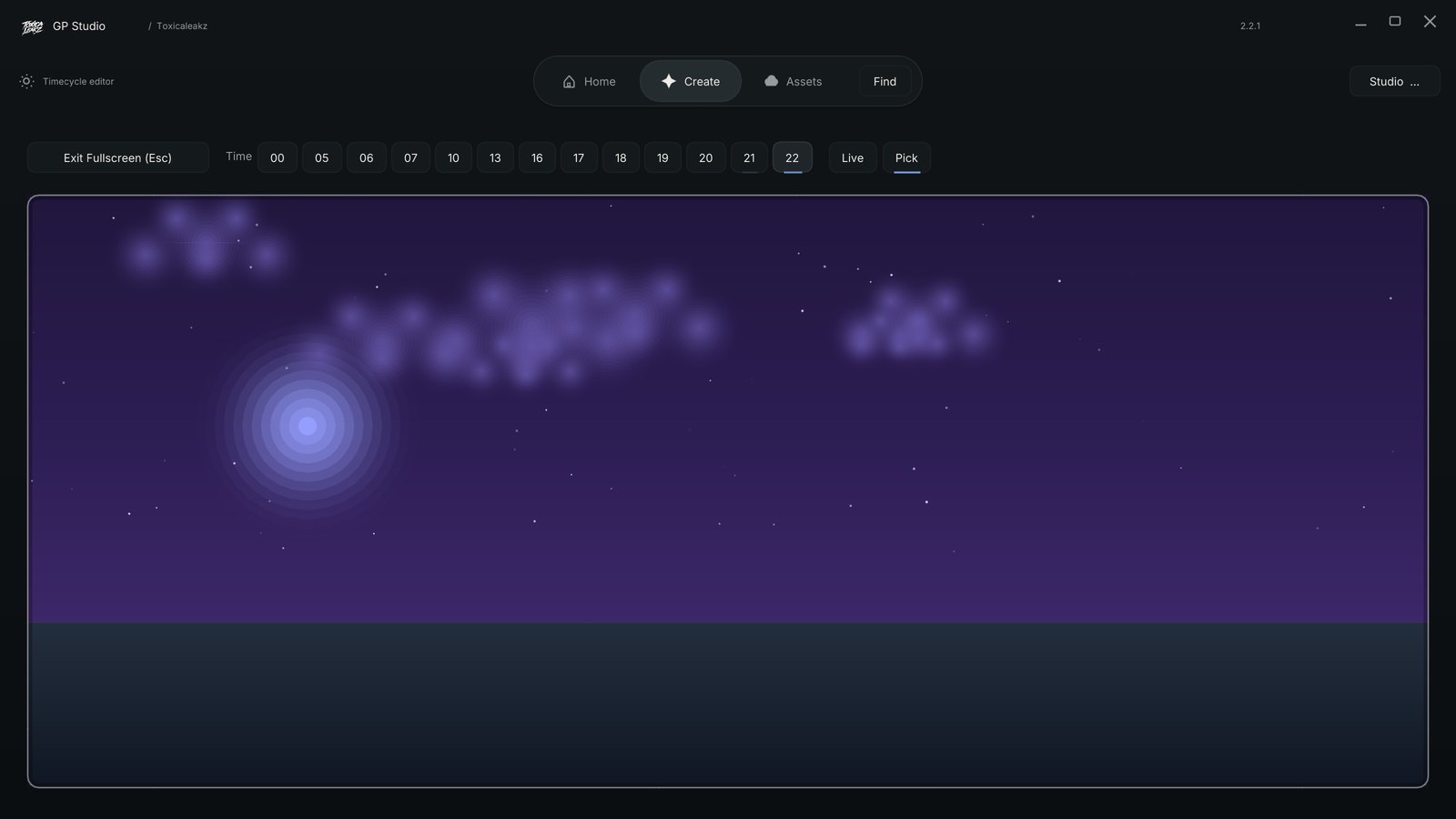
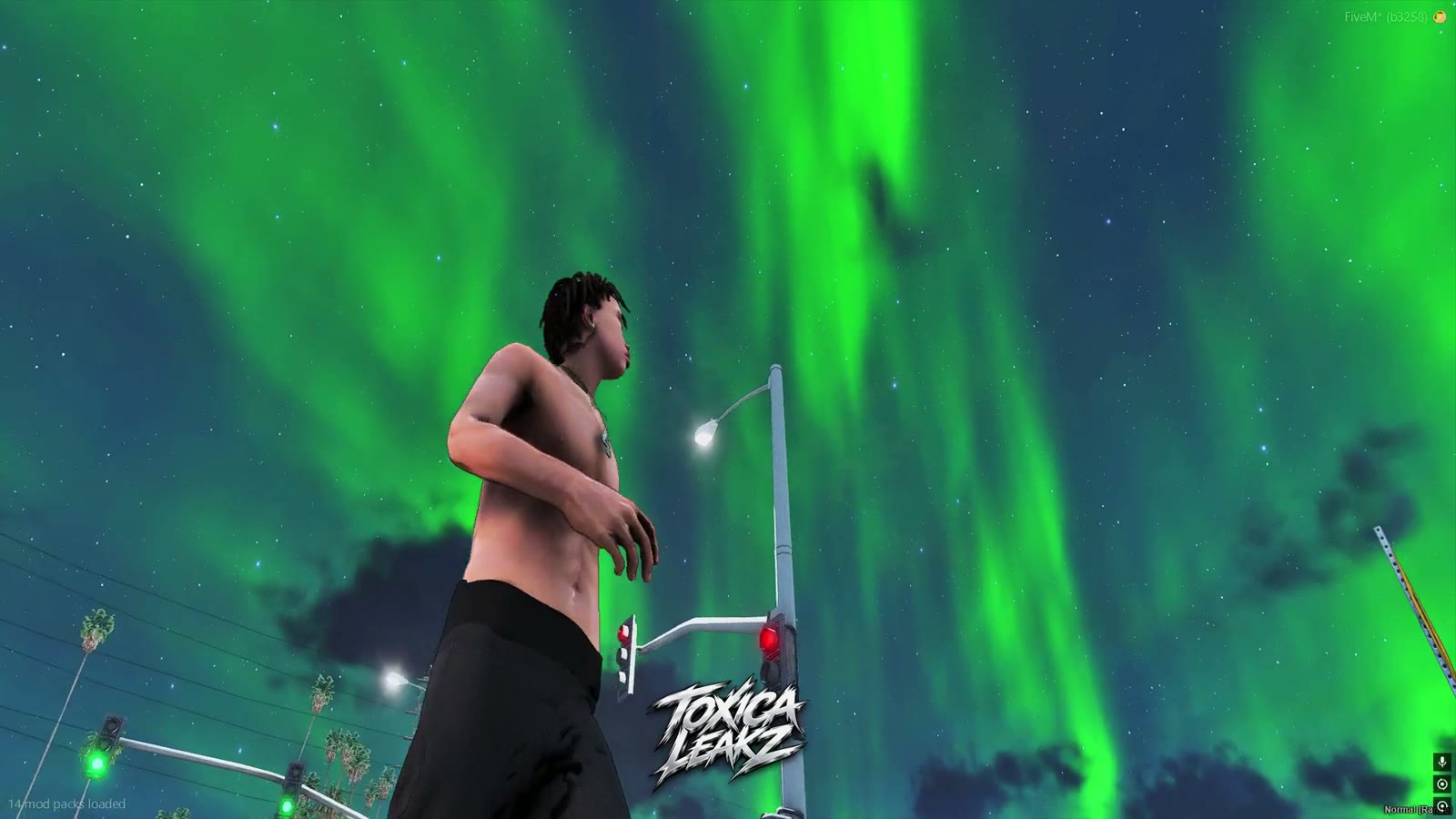
- Realistic Pack 3: a graphics pack with green aurora, galaxy and purple night skies, ReShades and a tutorial.
- Realistic Packs Bundle: all 3 packs for $45 instead of $60.
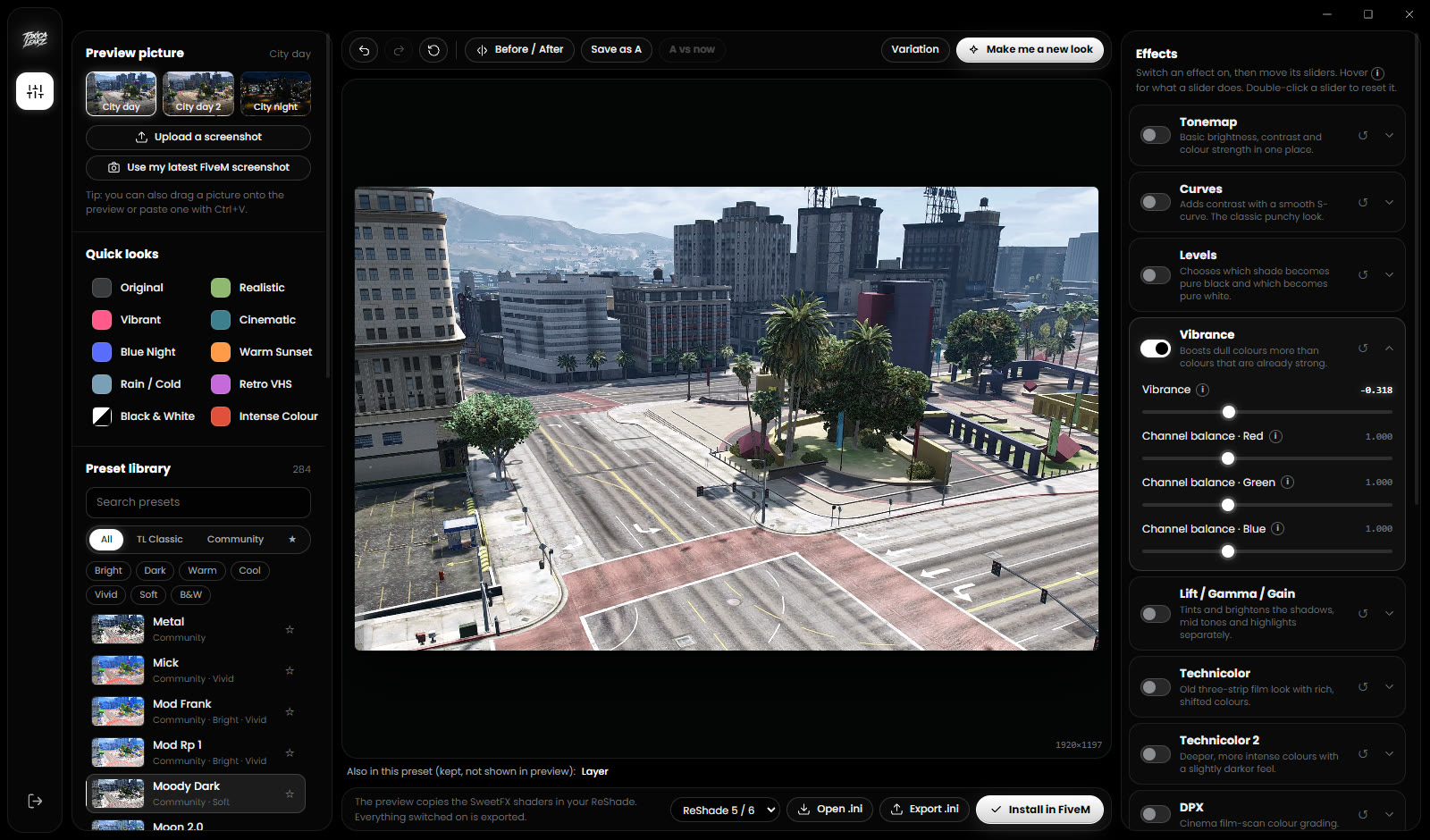
- Realistic ReShades: 8 presets plus ReShade. Put the files in
plugins, start FiveM, press Home and pick a preset.
Only want a new sky? The Sky Tool installs skies in one click, keeps your original files and can put your old sky back.
FAQ
Where do I put a FiveM graphics pack?
.rpf files go in FiveM.app\mods\, ReShade and .asi files in FiveM.app\plugins\, and data files in FiveM.app\citizen\common\data\. Files for the GTA V folder only go there if the pack tutorial says so.
Can I use two graphics packs at once?
Better not. Mixed packs give wrong colours and dark or green skies. Remove the old pack before you install a new one.
Will a graphics pack lower my FPS?
Usually yes. ReShade and high-resolution textures cost the most. On a low-end PC, turn off heavy ReShade effects or leave out the texture packs.
How do I open ReShade in FiveM?
Press the Home key in game.
How do I remove a graphics pack?
Delete its files from mods and plugins, then put back your backup of citizen\common\data and any GTA V game files it replaced.