Low FPS or lag?
- Low FPS: everything feels choppy, even when you stand still. Fix it with the graphics settings below.
- Lag (ping): the game looks smooth, but players teleport and your actions happen late. That's your connection or the game's server, not your graphics.
Press Shift + F5 in a game to see your FPS, and Shift + F3 for network stats like ping. Some games are simply heavier than others: a big detailed map can run much worse than a simple obby on the same PC.
Set Graphics Quality yourself
On Automatic, Roblox picks the graphics level on its own and changes it while you play. Setting it yourself gives steadier FPS.
- In a game, press Esc and open Settings.
- Set Graphics Mode to Manual.
- Set the Graphics Quality bars for your PC (table below).
| Your PC | Max FPS | Balanced | Quality |
|---|---|---|---|
| Low-end PC / laptop | 1 | 2 | 4 |
| Mid-range PC | 1 | 4 | 7 |
| High-end PC | 1 | 6 | 9 |
Fewer bars means a shorter draw distance and simpler lighting, shadows and effects. If your newer Roblox has a Maximum Frame Rate option in Settings, set it to your monitor's refresh rate.
Windows and PC tips
- Update your graphics driver from NVIDIA, AMD or Intel.
- Close background apps: browsers with many tabs, downloads and recording apps. Roblox leans on the CPU, so busy background apps hurt.
- Plug your laptop in and use a performance power mode.
- Play full screen (F11) and turn on Game Mode in Windows Settings → Gaming.
- For ping: use a cable instead of Wi-Fi if you can, and stop downloads or streams on your network.
Skip third-party "FPS unlockers" and injectors. Roblox's anti-cheat can flag programs that hook into the game. Everything in this guide uses Roblox's own settings.
Do it in one click
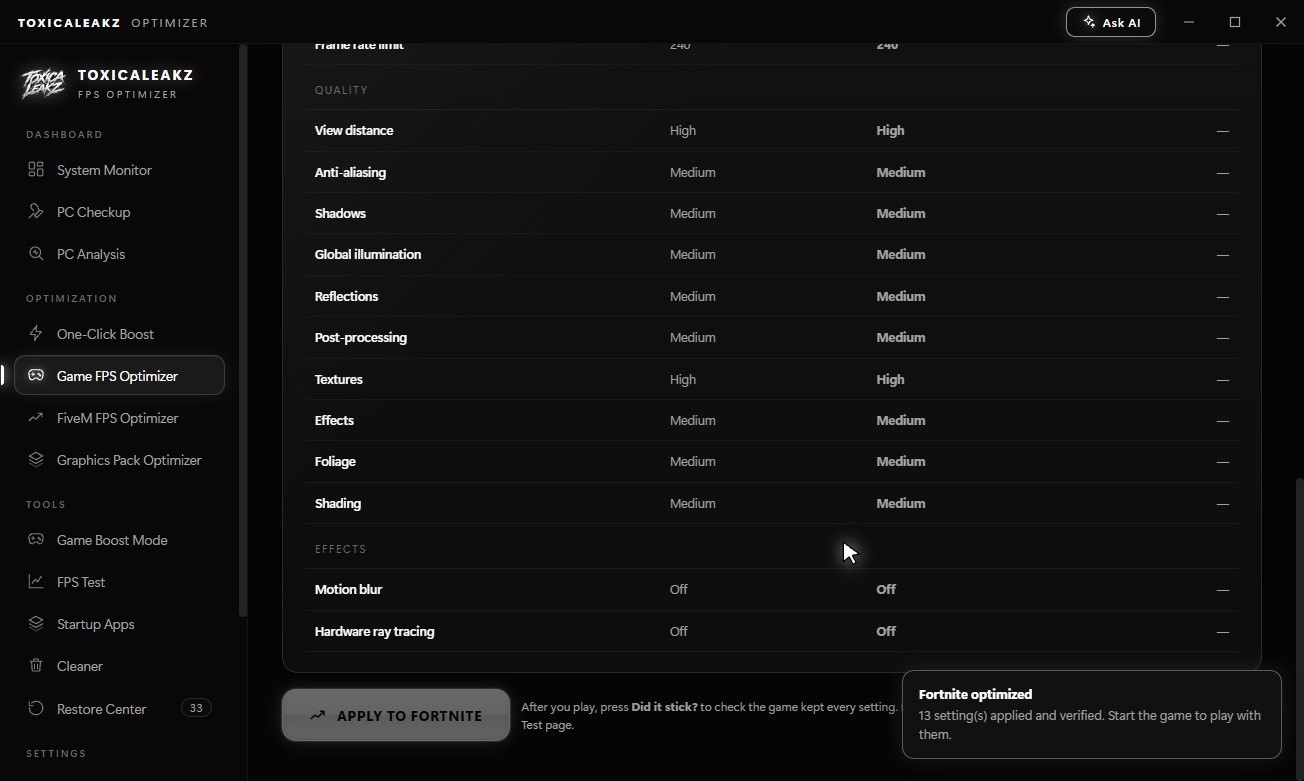
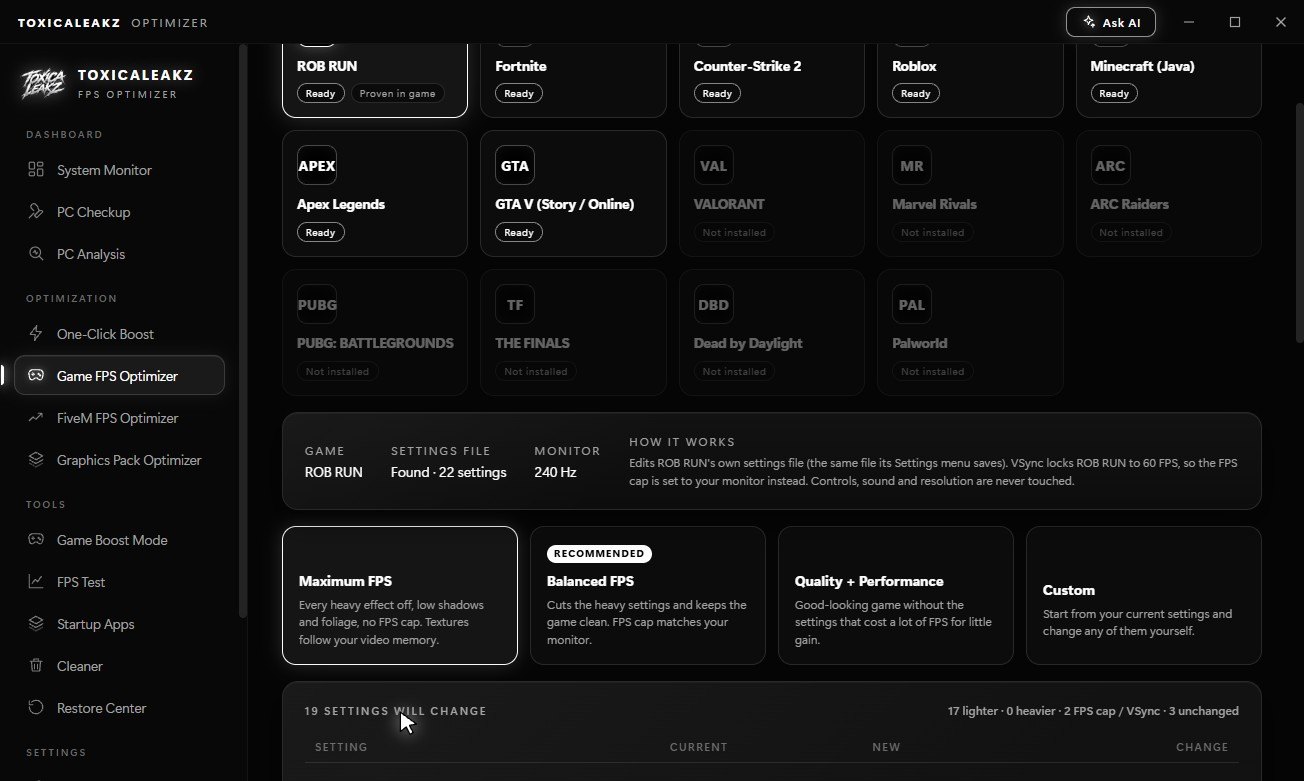
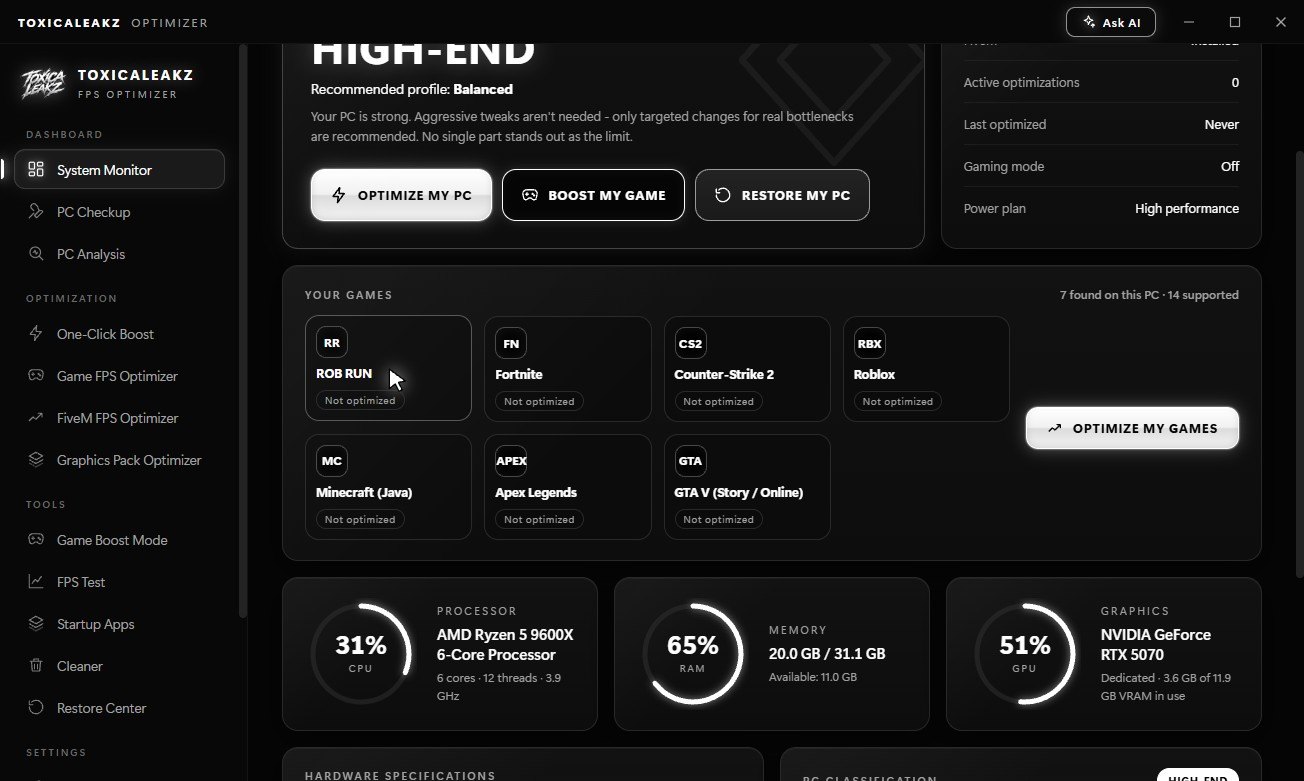
The ToxicaLeakz Optimizer (2.2) has a Game FPS Optimizer page that sets Roblox and 13 other games for your PC.
- Sets Roblox's Graphics Quality bars (the same setting as in its menu) for your PC: Max FPS, Balanced, Quality or Custom.
- It only changes that setting in Roblox's own settings file. It never touches Roblox itself, its FPS cap or FastFlags, and never injects anything. Roblox must be closed.
- Did it stick? checks after you play that Roblox kept it. Restore puts your old setting back exactly.
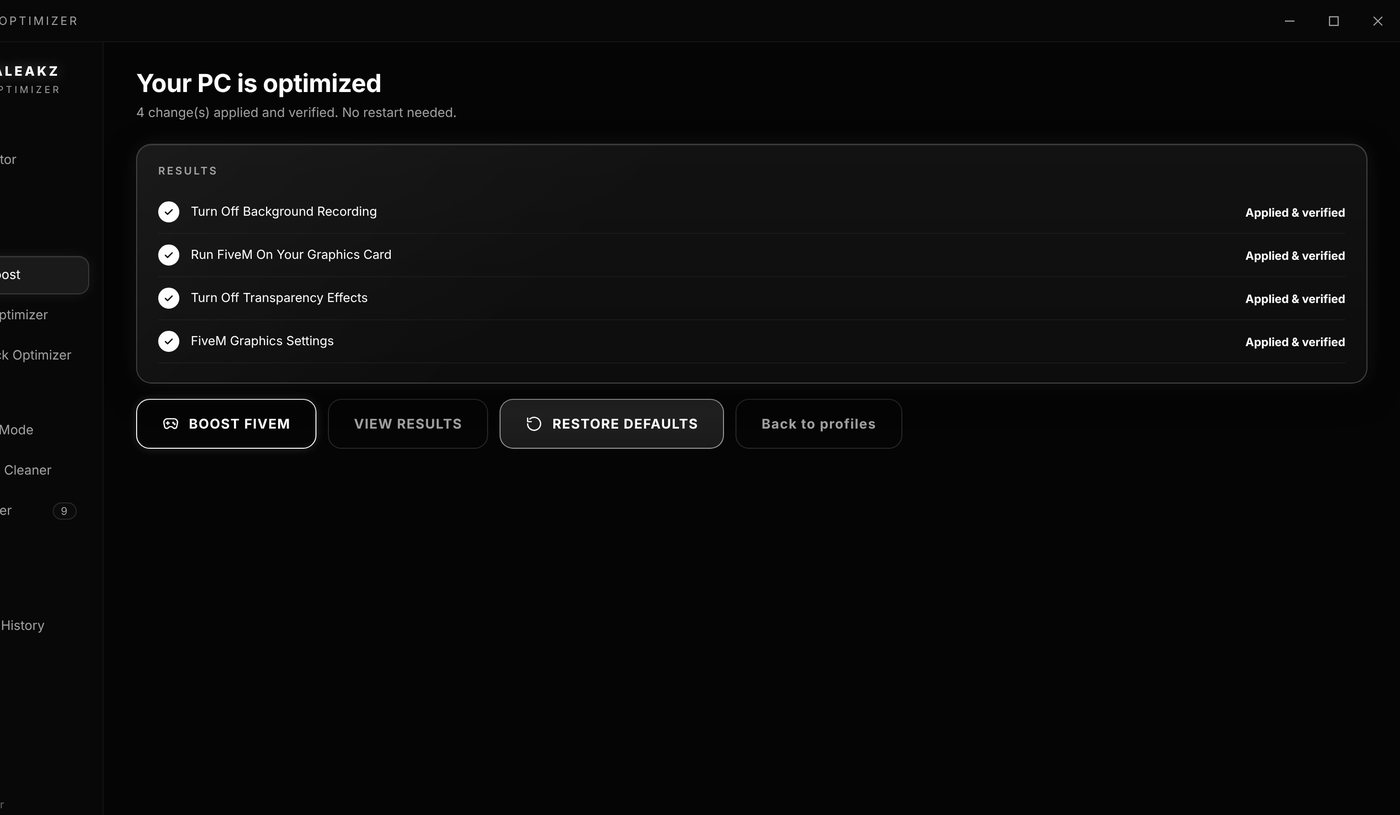
- Also in the Optimizer: Game Boost Mode (High performance power plan and closes the apps you pick while you play) and Windows tweaks in One-Click Boost.
FAQ
How do I get more FPS in Roblox?
Set Graphics Mode to Manual and lower the Graphics Quality bars for your PC (1 to 2 bars on a low-end PC), close background apps, update your graphics driver and play full screen.
Why is Roblox so laggy on my PC?
Either low FPS (your PC: lower the graphics bars) or high ping (your connection or the server). Press Shift + F5 to see FPS and Shift + F3 for network stats to tell which one it is.
Are Roblox FPS unlockers safe?
Third-party unlockers that hook into the game can be flagged by Roblox's anti-cheat. Use the game's own settings instead. The ToxicaLeakz Optimizer only changes Roblox's graphics setting in its own settings file.
What does Automatic graphics do in Roblox?
Roblox picks the graphics level by itself and changes it while you play, which can make FPS jump around. Manual with a fixed number of bars is steadier.